...
Type in your UCCS email address and password. Click Sign In

Step
...
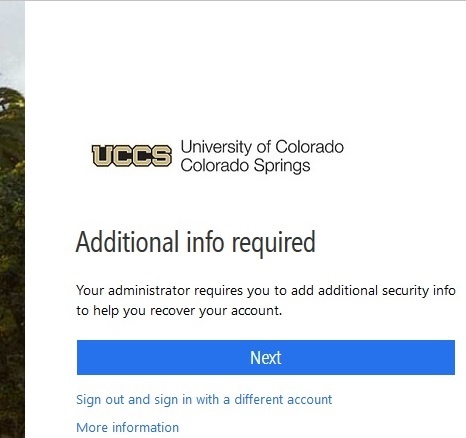
2: Additional info required
You will see the following image. Click Next to add additional recovery information
Step
...
3: Choose your Preferred Recovery Option
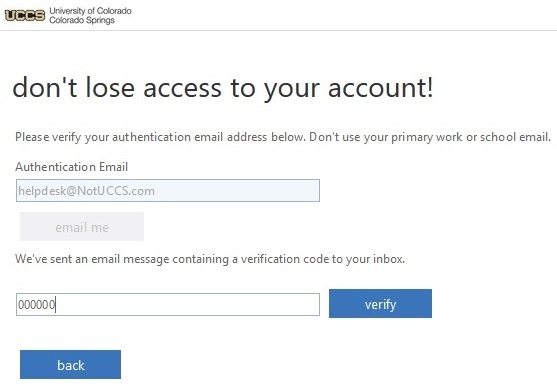
You will be directed to the following page to set up recovery options. Only one recovery option is required, however, you can configure both.
...
Enter the code that you received in an email from Press Verify
Step
...
4: Recovery Options Sucessfully Set
Once one or more recovery options are set, you will see a green checkmark next to whichever option you set. Press finish to be directed back to your email.
...