Step 1: Ensure You Can Connect to the Printer
Step 2: Download the Correct Driver
Step 3: Install the Printer
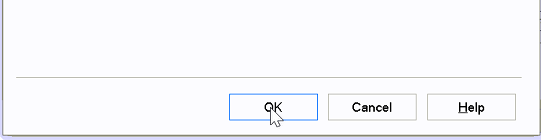
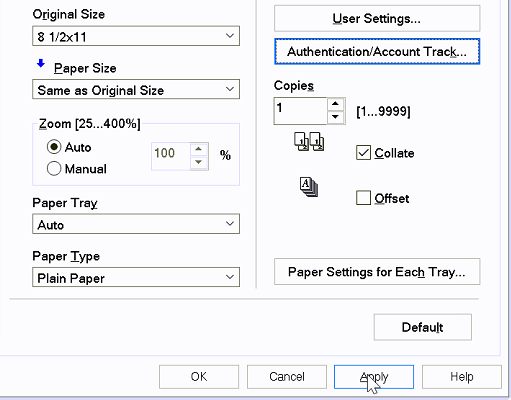
Step 4: Add Accounting Code
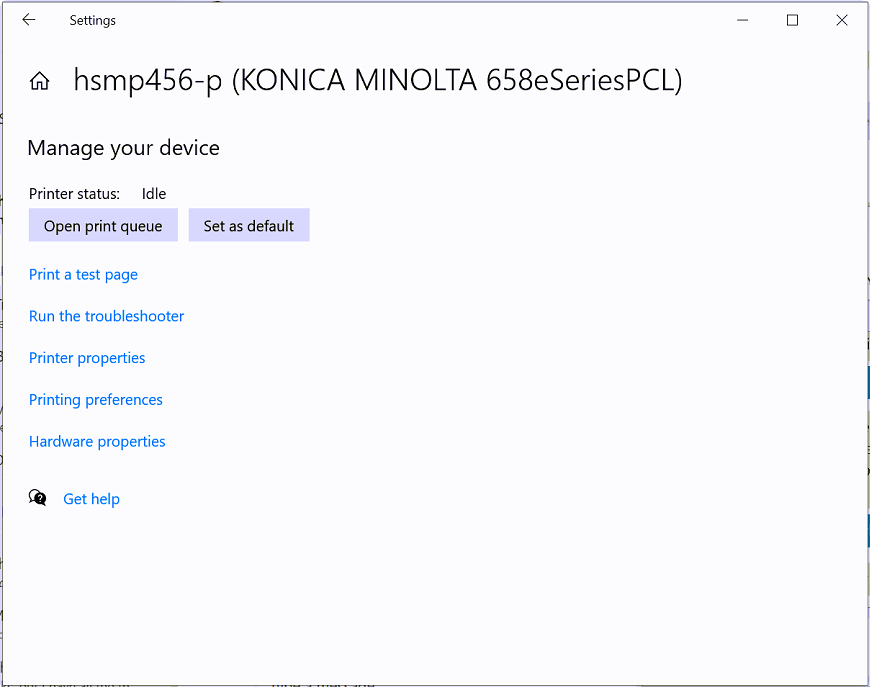

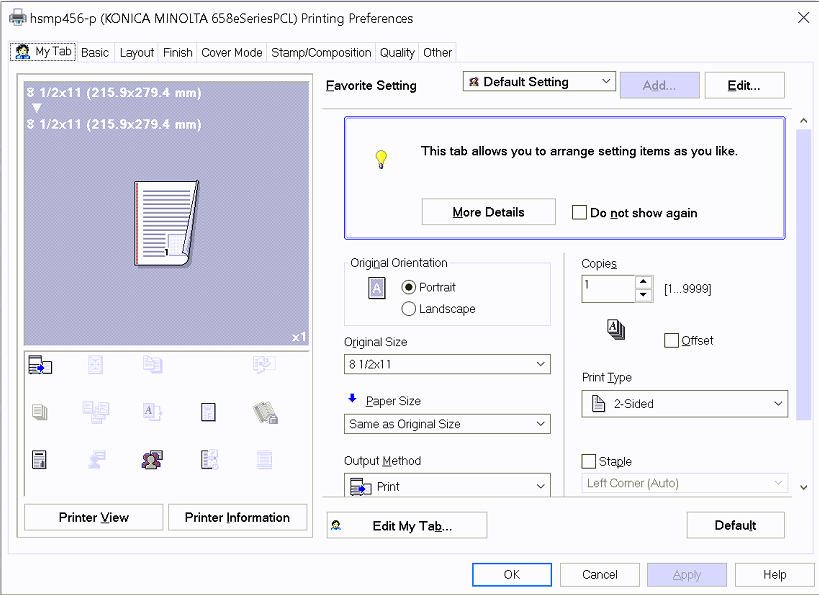



Step 5: Test Print Functionality

Still Having Issues?
If you have tried all the steps above and you are still having issues, please contact the OIT Service Desk with the options listed on our website: Get Help | Office of Information Technology (uccs.edu)
We will be more than happy to help you get connected!WIP