Access to the SharePoint page begins with an invite to the site that contains your department's files. You will receive an email that looks like this:

SharePoint can be accessed directly by logging into office.com , go to the all applications button, and select SharePoint.
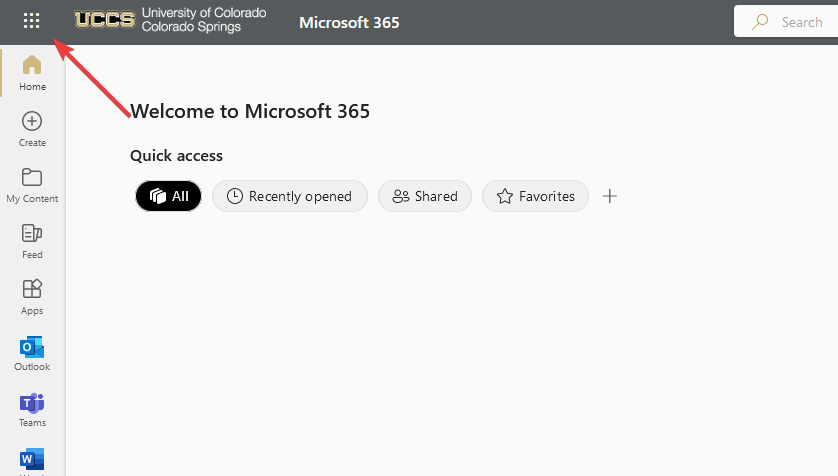
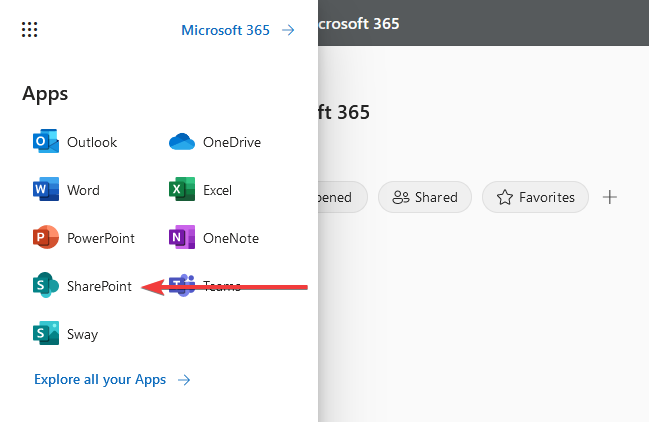
If you have not started following a site yet, you will be greeted with the following page
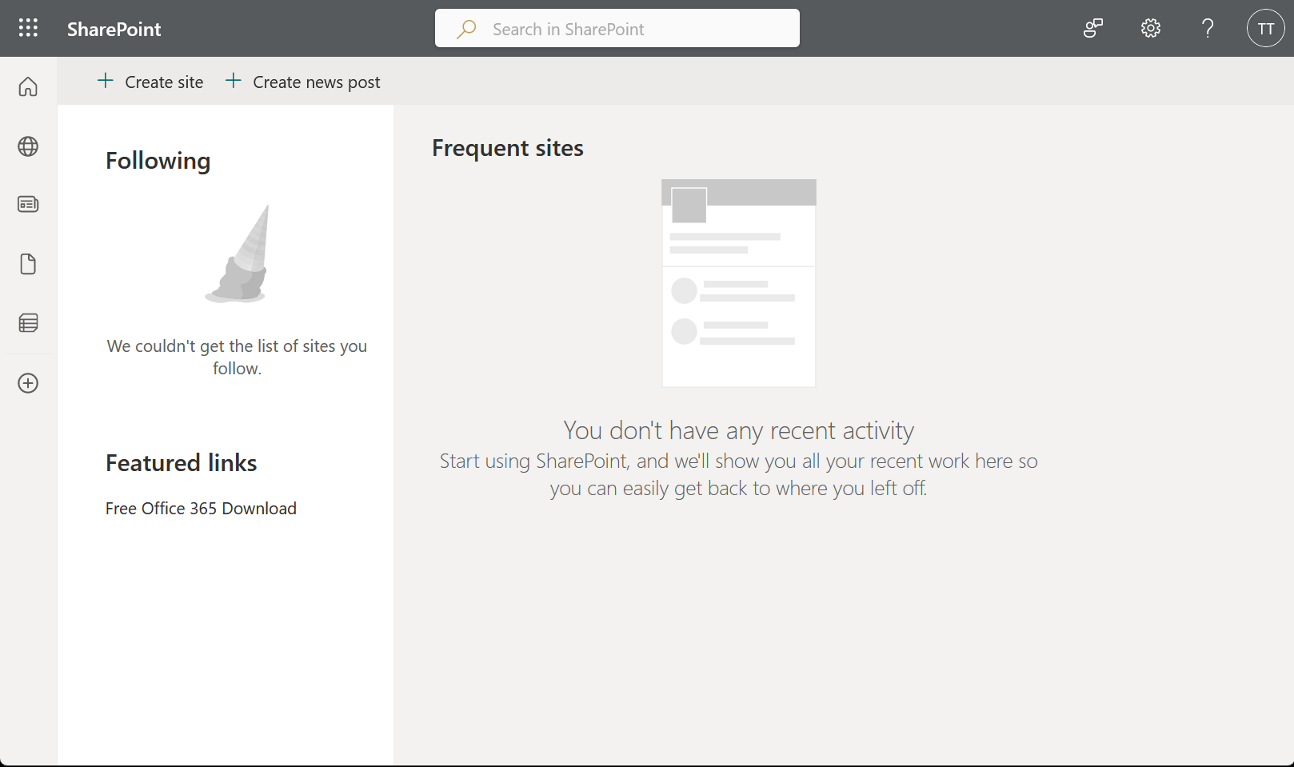
Please go back to the original email you received when you were invited to your department's SharePoint page, and click the link to access. Once you have loaded the page, select the star in the upper-right corner next to the words "Not following" to bookmark the page for easier access.

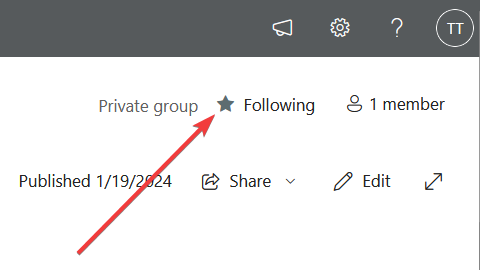
Now if you navigate manually to SharePoint, you will see the site you just followed
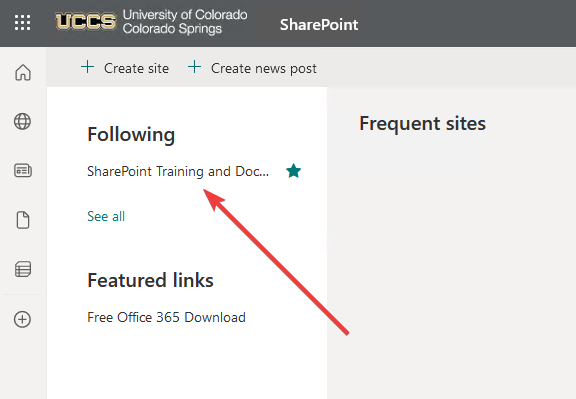
Clicking the name of the link will take you to the homepage for the site. There are more ways to access this department site that will be covered later.