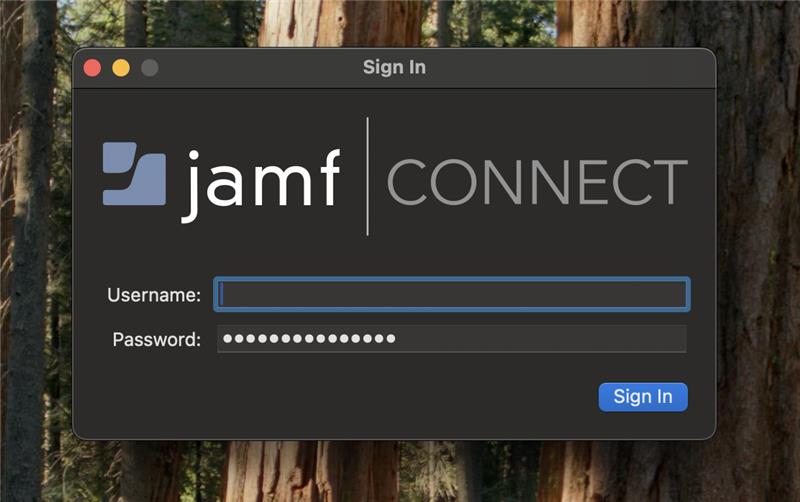
...
- Connect to the internet via ethernet cable or wireless to show the Jamf Connect window:

If you do not have internet connectivity, you can sign-in with your normal UCCS email account credentials (without the @uccs.edu) through the "local login" screen as long as it is not your first sign-in and your account has already been connected: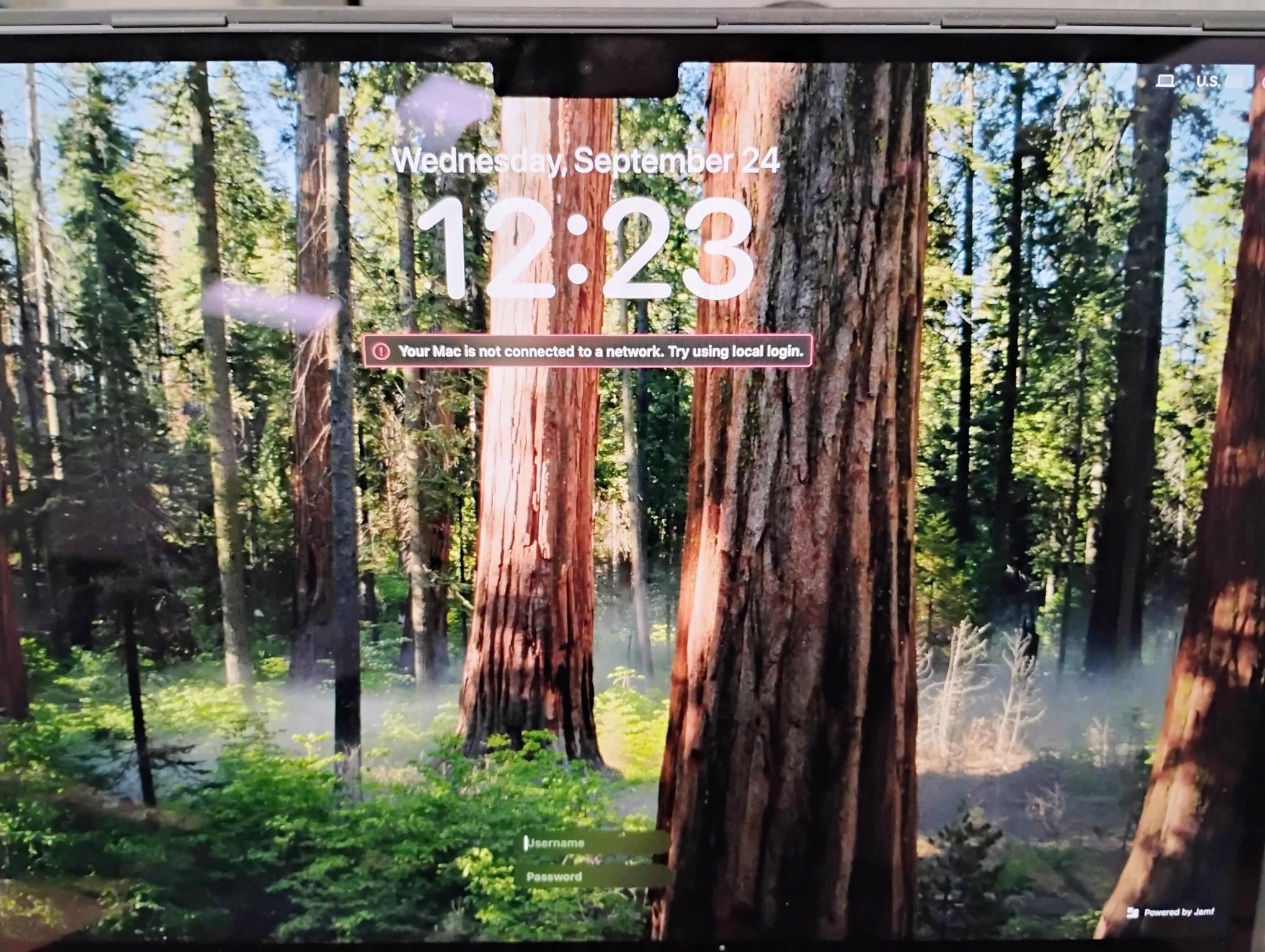
Note If you are currently offline but the local login screen is not being displayed automatically, you can click the small computer icon in the top right of the screen to manually force it to display:

- Once logged in, ensure you are connected to Jamf Connect by selecting Connect on the Jamf Connect taskbar icon:
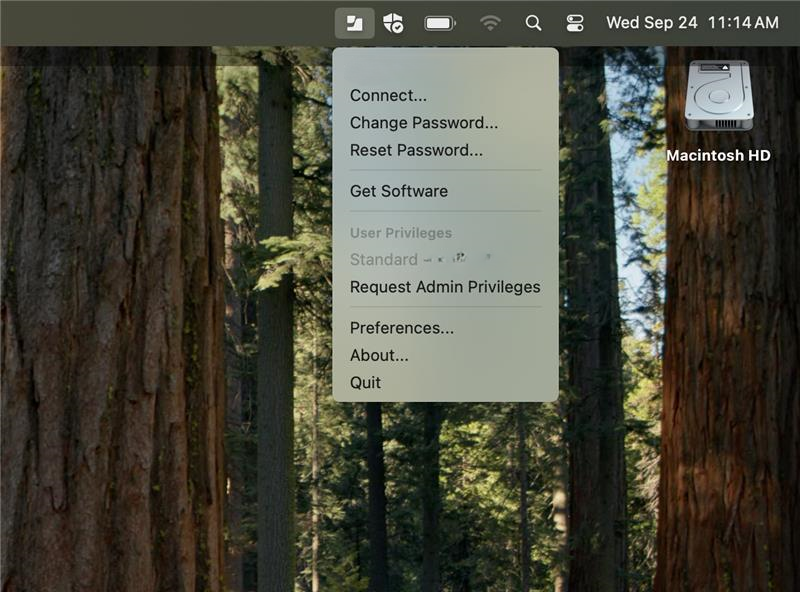
Note If the icon does not appear, launch Jamf Connect from the LaunchPad: 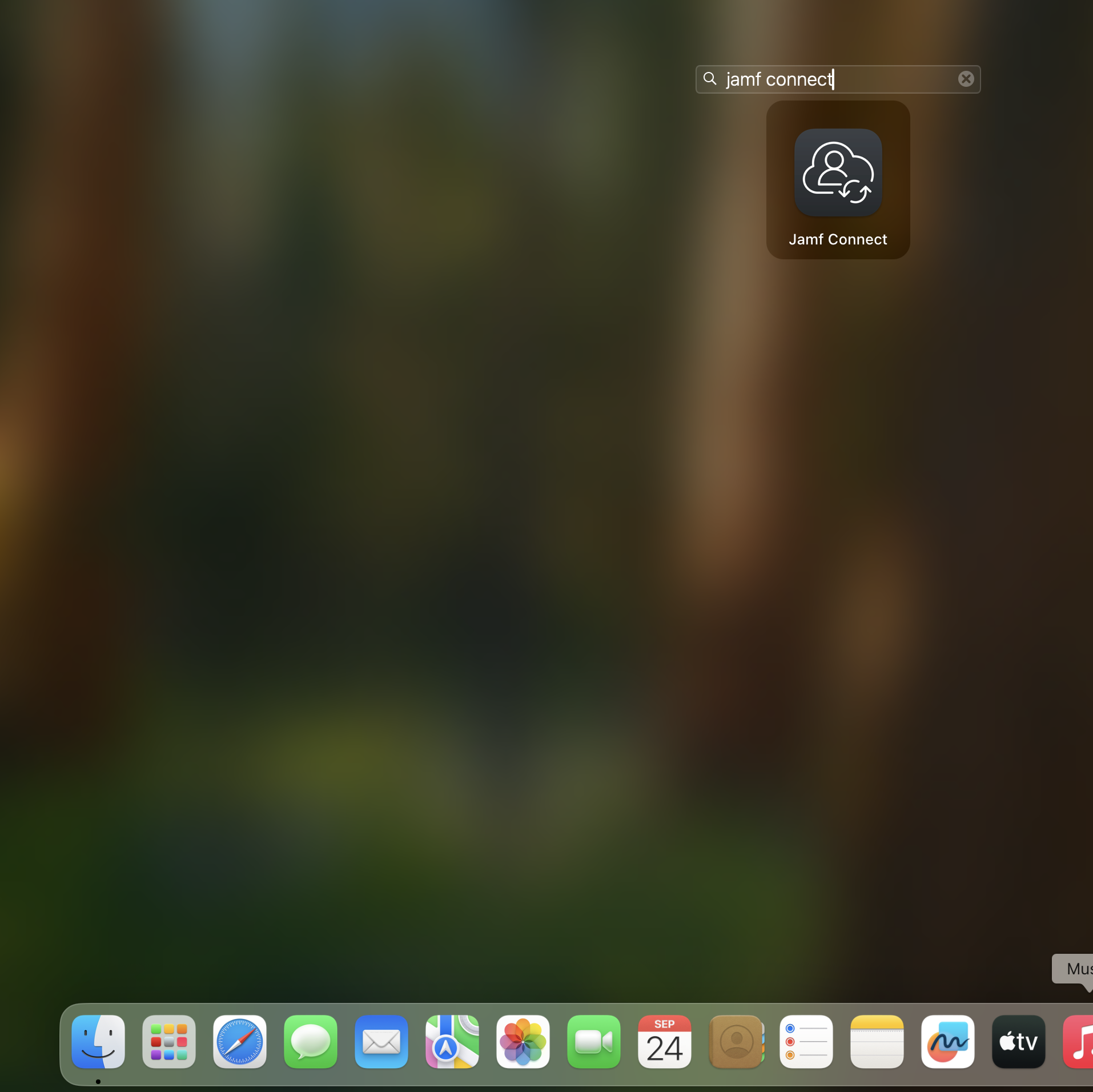
- Enter your full UCCS Email email credentials and select "Sign In":