...
- From a Windows desktop download the Microsoft Remote Desktop application directly from Microsoft, or see the Microsoft KB for additional Microsoft Desktop Documentation and Downloads.
- Install application using default settings
- Open from Start Menu:
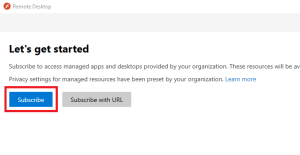
- If prompted with Let's Get Started, you must login first:
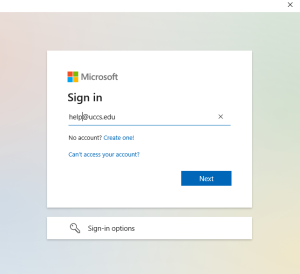
- Sign in with your UCCS email account:
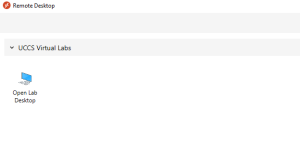
- Double-click on the Open Lab Desktop icon (or right click to modify connection settings first):
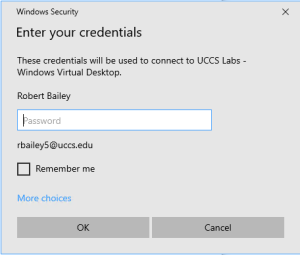
- Enter your domain email credentials then click OK:
- Remote Desktop Connection window will open normally.

...