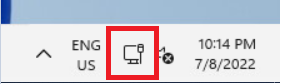
Step 1: Open Network Connections
Click the networking icon in the system tray, typically located in the lower right side of the screen.
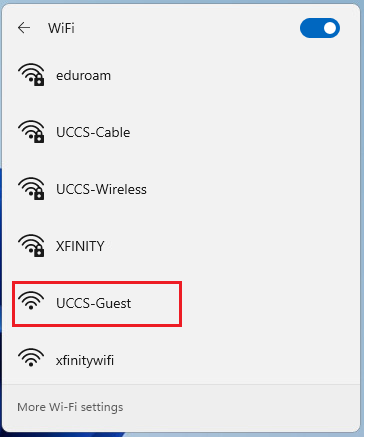
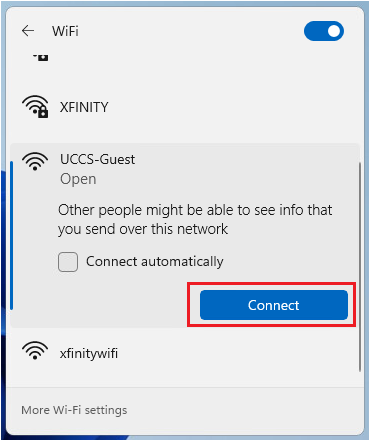
Click the right-arrow to open the list of wireless networks, and choose the UCCS-Guest network, then click Connect.
Note - if you want the computer to remember and save this network so it will automatically connect when in range, check the Connect automatically box.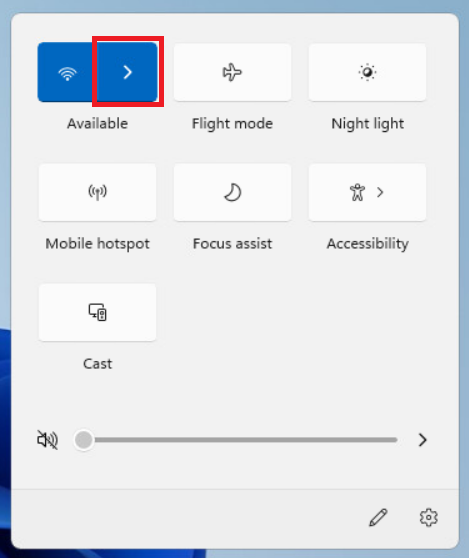
steps here
steps here
Your device should now be connected to UCCS-Guest.
If you are still having problems connecting, please contact the OIT Help Desk.