When you log into the Outlook Web App for the first time, you will be asked to provide account recovery options. You must provide at least one of the two requested options (alternative email or phone number).
Type in your UCCS email address and password. Click Sign In

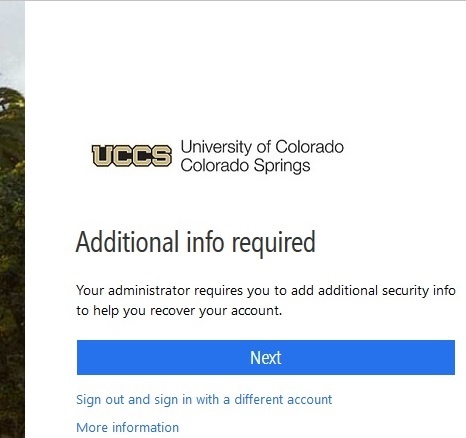
You will see the following image. Click Next to add additional recovery information
You will be directed to the following page to set up recovery options. Only one recovery option is required, however, you can configure both.
See #Option1