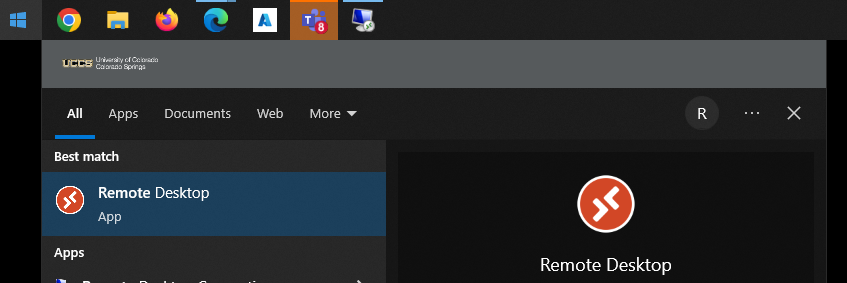
- If you do not have Remote Desktop app installed, Windows users can download and install here: https://go.microsoft.com/fwlink/?linkid=2068602
- Apple users can follow the instructions found here, and confirm your Workspace is added correctly: https://learn.microsoft.com/en-us/windows-server/remote/remote-desktop-services/clients/remote-desktop-mac

- If you do not see UCCS Virtual Labs or the connections in the screenshot, select the three dots in the top right corner, select 'Subscribe', and login with your UCCS email account.