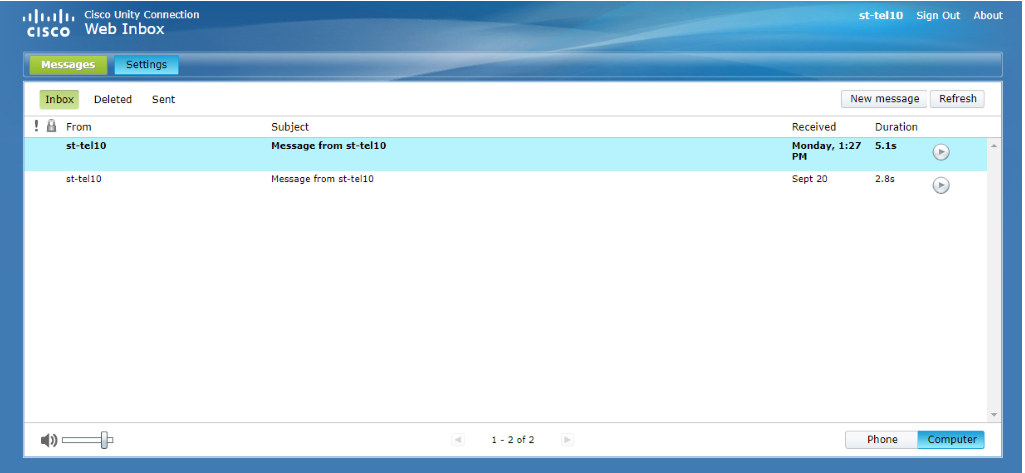
To access unity, clink on this link https://ucna1.uccs.edu/inbox/
Once you have logged into unity you will be presented with your mailbox that show your previous voicemails. Click on the settings tab in the top left-hand corner.
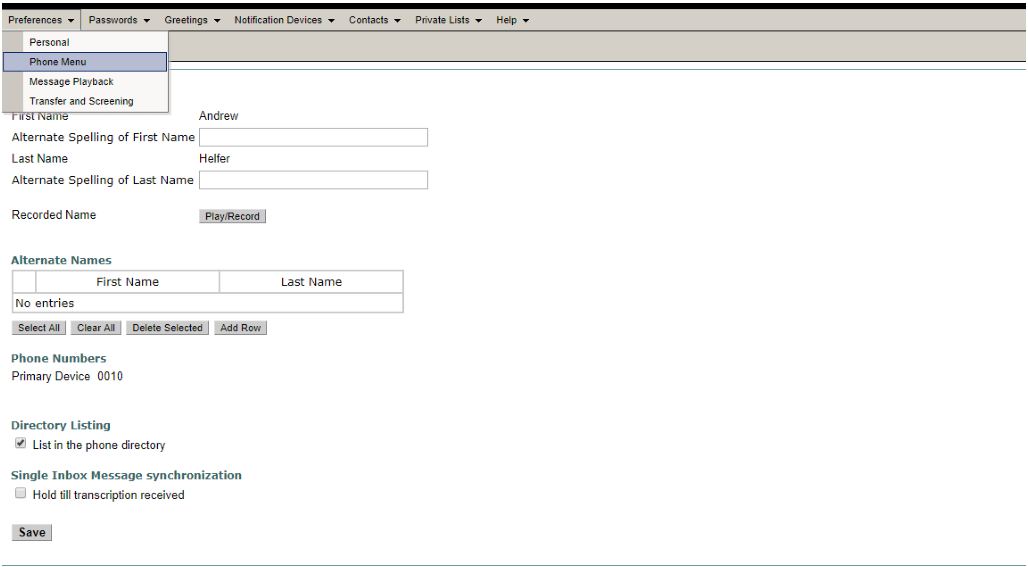
Once you are on the settings page click preferences then phone menu.
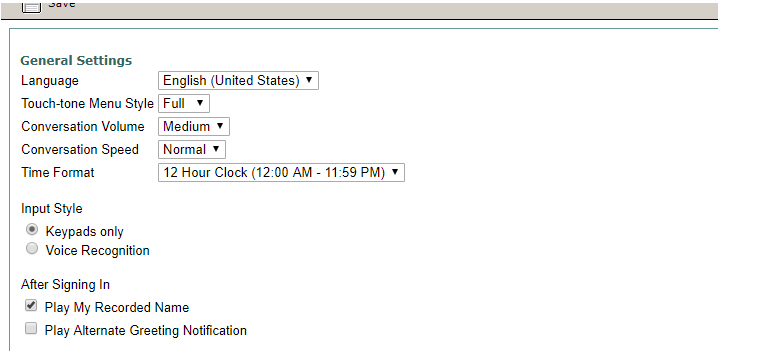
Once you are on the phone menu page if you are wanting to change the speed of the automated message you listen to when accessing your voicemail.