
The ITAM Security Audit has required the UCCS OIT Department to put restrictions in place for installing software applications on university owned devices. Approved software will be made available on Windows devices through the built-in Company Portal app, and on Mac devices through the Self Service app. In cases where an application is not listed or up to date in the Company Portal or Self Service app, a Software Request can be submitted to the OIT Service Desk. OIT is committed to act quickly to provide the applications you need to perform your job duties, but please be aware that the CU System Procurement office has strict guidelines when it comes to purchasing new software. More information is available under the CU System IT Procurement Checklist.
Windows devices managed by UCCS will have an application installed called Company Portal.
The Company Portal can be opened through the Windows Start Menu.
This application is your control panel for resources related to your UCCS managed software and devices.
To access available Approved Applications for install, select Apps on the left side menu:
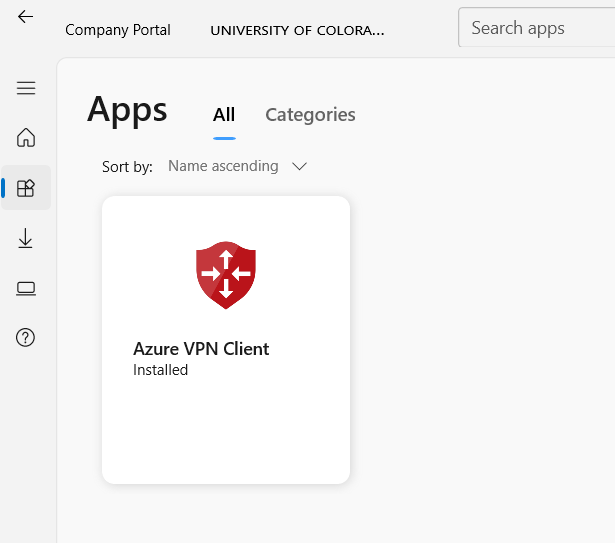
To install applications or manage your Windows device through Company Portal, you must be designated as the Primary User on that device. Contact the Service Desk for assistance with updating your device's Primary User. |
MacOS devices managed by UCCS will have an application installed called Self Service.
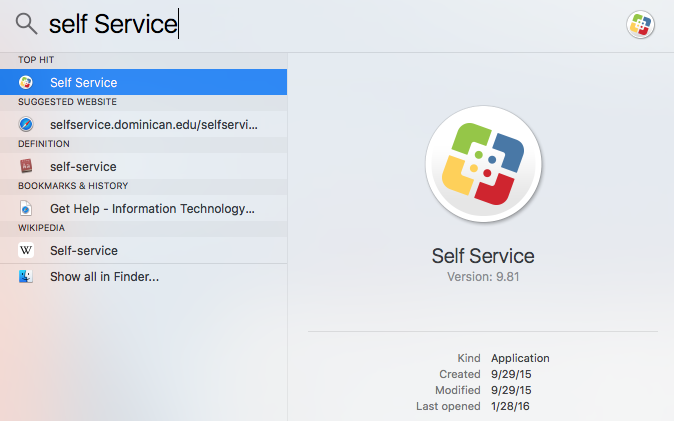
The Self Service app can be found in the Launch Pad or Spotlight Search by searching Self Service
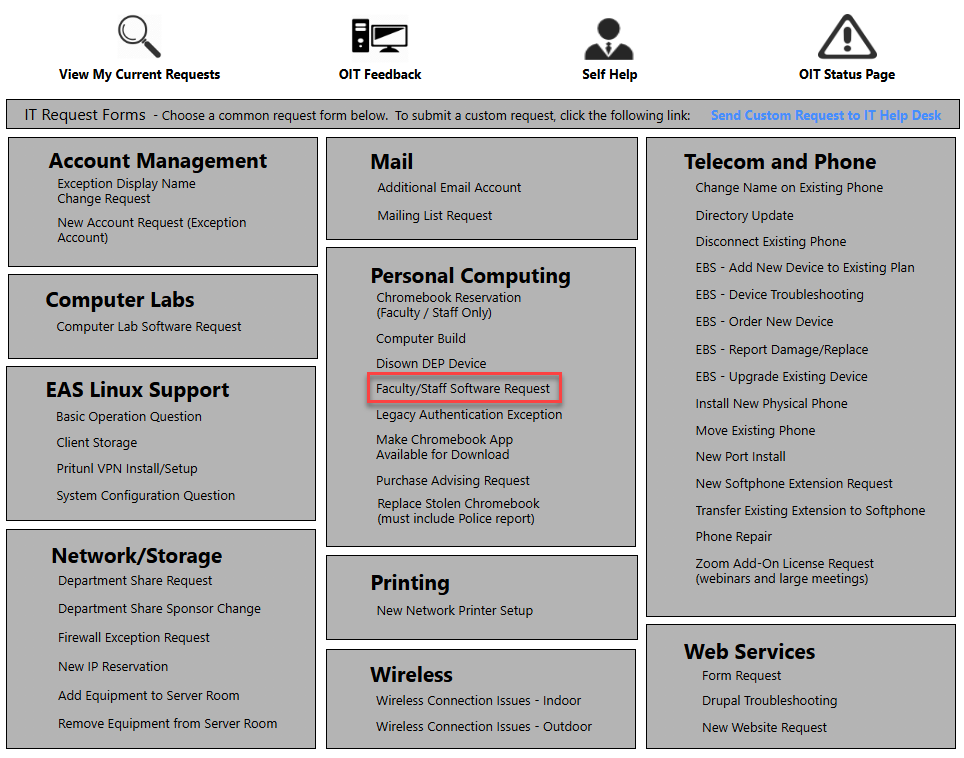
Please refer to the following guidelines when submitting a request:
Q: What if my device does not have the Company Portal or Self Service app available?
A: Contact the Service Desk for system maintenance, this is often an indication that other UCCS management tools are not working correctly.
Q: What will happen to existing software I have installed already?
A: All existing software and applications will remain functional, while future applications will be reviewed and approved. Existing applications may be reviewed for future security policies (i.e. Spotify).
Q: Can I still install software that does not require administrator permissions?
A: All applications that are not already installed must go through OIT security approval before being made available through UCCS tools above. Any not approved will be subject to removal.
Q: I get an error when using the Company Portal: "This device is already assigned to someone in your organization. Contact company support about becoming the primary device user".
A: You must be the Primary User of your device to use the Company Portal. Contact the Service Desk for assistance with updating the Primary User on your device.
Q: What if I don't see the applications I need on the Company Portal / Self Service app?
A: Submit an ITAM Software Request through the service desk or Self Service Portal and OIT will respond right away.