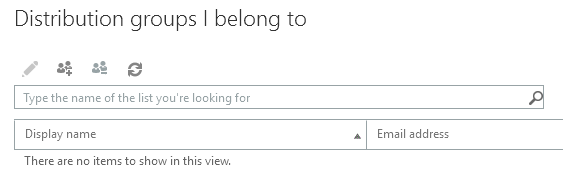
The Office 365 system caps individual email recipients at 500, regardless of user. This is an Office 365 limitation and not a UCCS limitation. However, with the Office 365 email system, you can create your own lists - termed 'distribution groups' in Office3 65, which allows you to add more than 500 recipients to an email.
The list of users must be provided and updated by the manager. OIT will not provide a list that is specific to a department, group, major, etc.
|
After logging in, click the Settings gear icon in the upper-right corner of the page, then click on View all Outlook Settings.
Navigate to General > Distribution Groups in the window that pops up.

Under Distribution groups I own click the + button to make a new group.
The following window will allow you to name the group, add owners, and add members.