Table of Contents:
A RAP is a Remote Access Point. It is for use off campus, such as at your home or at a remote location. The RAP will broadcast the UCCS-Wireless wireless network, the same secure network you connect to when you are on campus. The RAP securely tunnels all of your traffic back to campus, sort of like a VPN. So if you are connected to UCCS-Wireless via the RAP, you do not have to also connect to UCCS's VPN servers; you will already have access to on-campus resources.
The RAPs often have extra wired ports on the bottom if you want to attach a wired device such as a desktop computer, or even a laptop or laptop dock. These wired ports are also securely tunneled back to campus, so using one of the ports is like you are using an on-campus port.
When connected to a RAP (either via wireless or one of the wired ports) you do not need to also connect to the UCCS VPN servers. The RAP is already securely tunneling your traffic back to campus. |
Below are very general setup instructions. Your steps may vary slightly. For more detailed instructions, see the model-specific instructions below.
Below is a basic diagram showing a simplified view of setting up and connecting your RAP:

Below you will find specific setup instructions based on the model of RAP.
Note: The model 505H access points have two system status LEDs on the front of the AP. However you cannot see them illuminate until you provide power to the RAP.
Setup instructions: 505H RAP Setup Instructions.pdf
Photo of a 505H RAP:

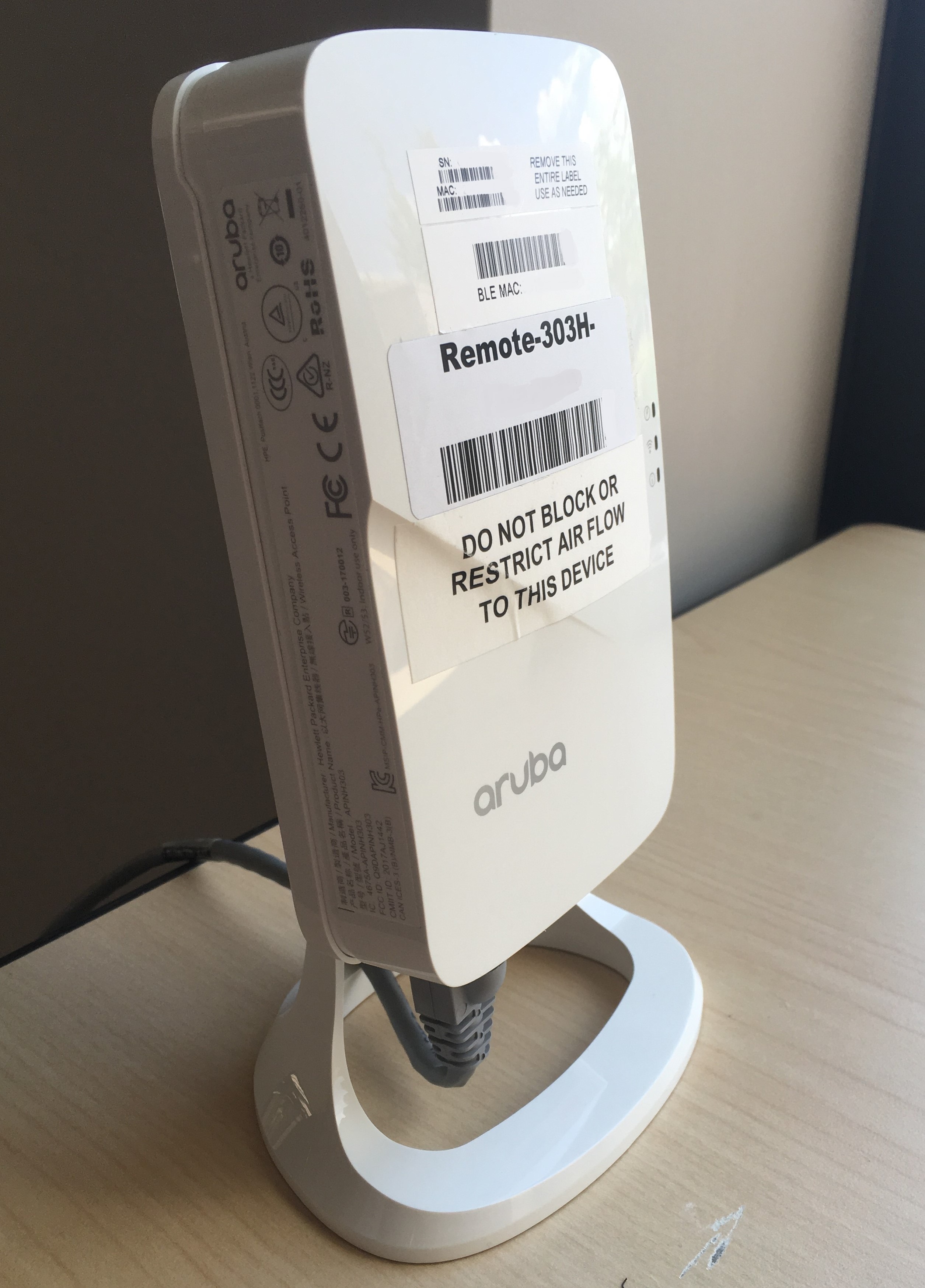
Note: The model 303H access points have three the system status LEDs on the right side of the AP as you look at the front of it.
Setup instructions: 303H RAP Setup Instructions.pdf
Photo of a 303H RAP:
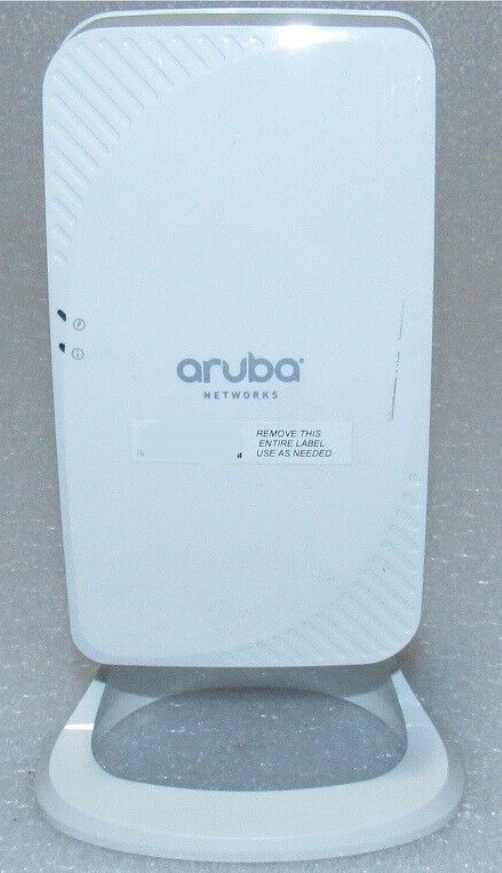
Note: The model 205H access points have two system status LEDs on the left side of the AP as you look at the front of it.
Setup instructions: 205H RAP Setup Instructions.pdf
Photo of a 205H RAP:
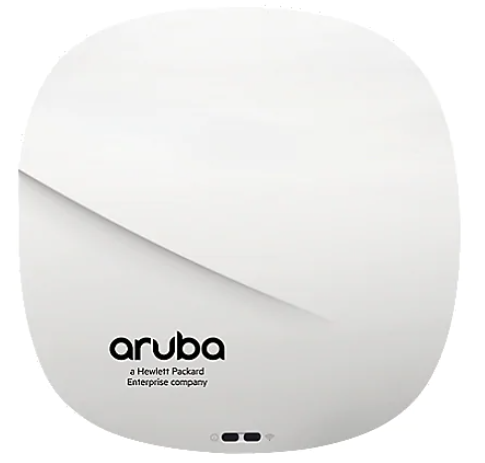
Note: The model AP-315 is round and has two status LEDs on the front of the RAP.
Setup instructions: 315 RAP Setup Instructions.pdf
Photo of an AP-315: