
These offices are located in the 465 office area.
The AV system will power on when pressing the power button in the lower right corner of the control panel. This will turn on the displays. To turn the AV system off, press the power button again.
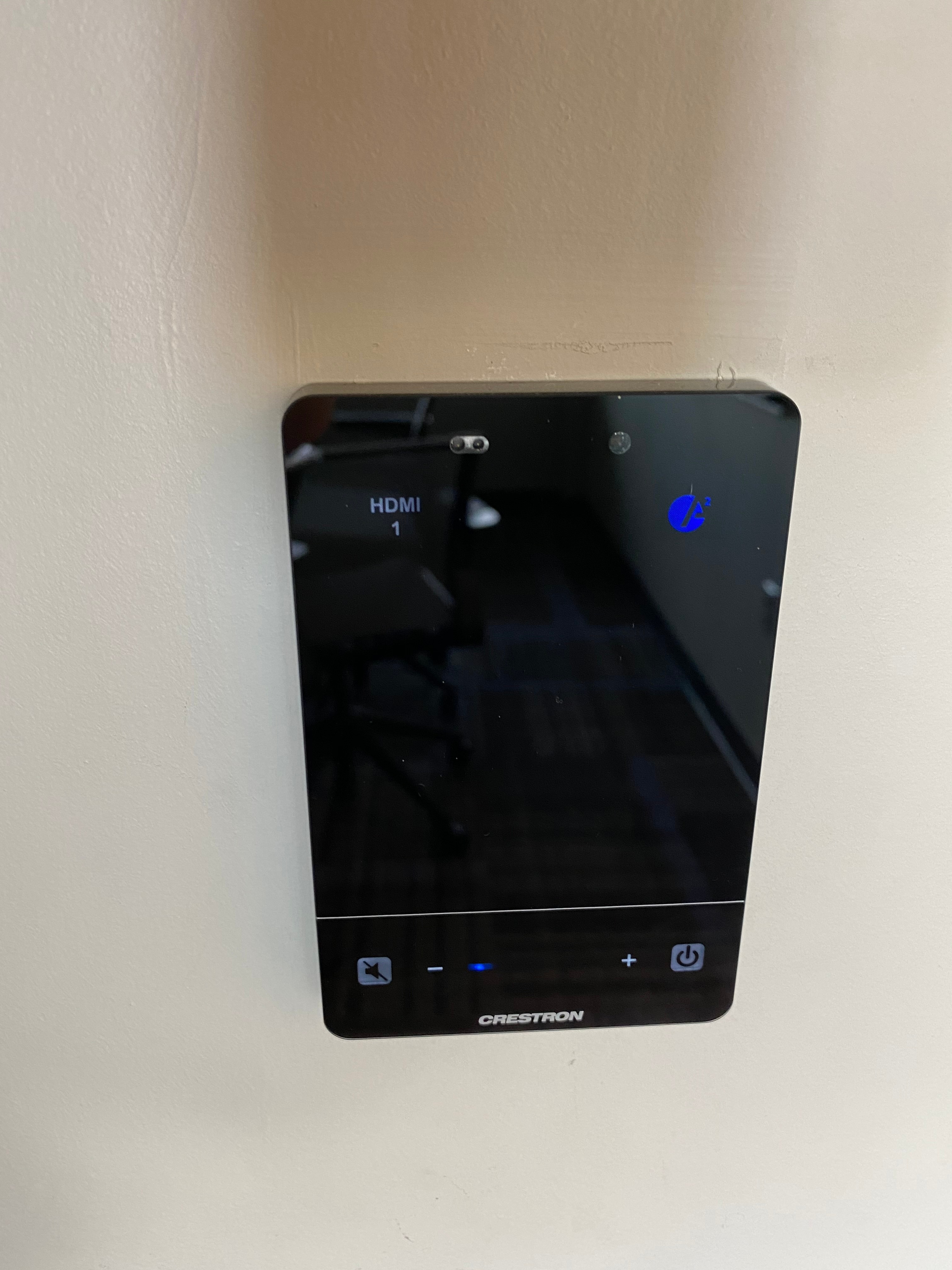
There are two sources available for selection, HDMI 1 and HDMI 2. To select a source press the corresponding button on the top of the control panel. One HDMI input is below the display and the other is located behind the desk (in order to present content from a desktop computer).
Volume can be controlled using the volume buttons at the bottom of the control panel. The raise and lower buttons are on either side of the volume bar and the mute button is located in the lower left corner.