The AV system will power on when pressing the start page on the touch panel. This will turn on the displays and switch the panel to the main menu page.
To turn the AV system off, press the red Power Off button in the upper right corner. You will have 10 seconds to cancel the power off, then the system will shut down.
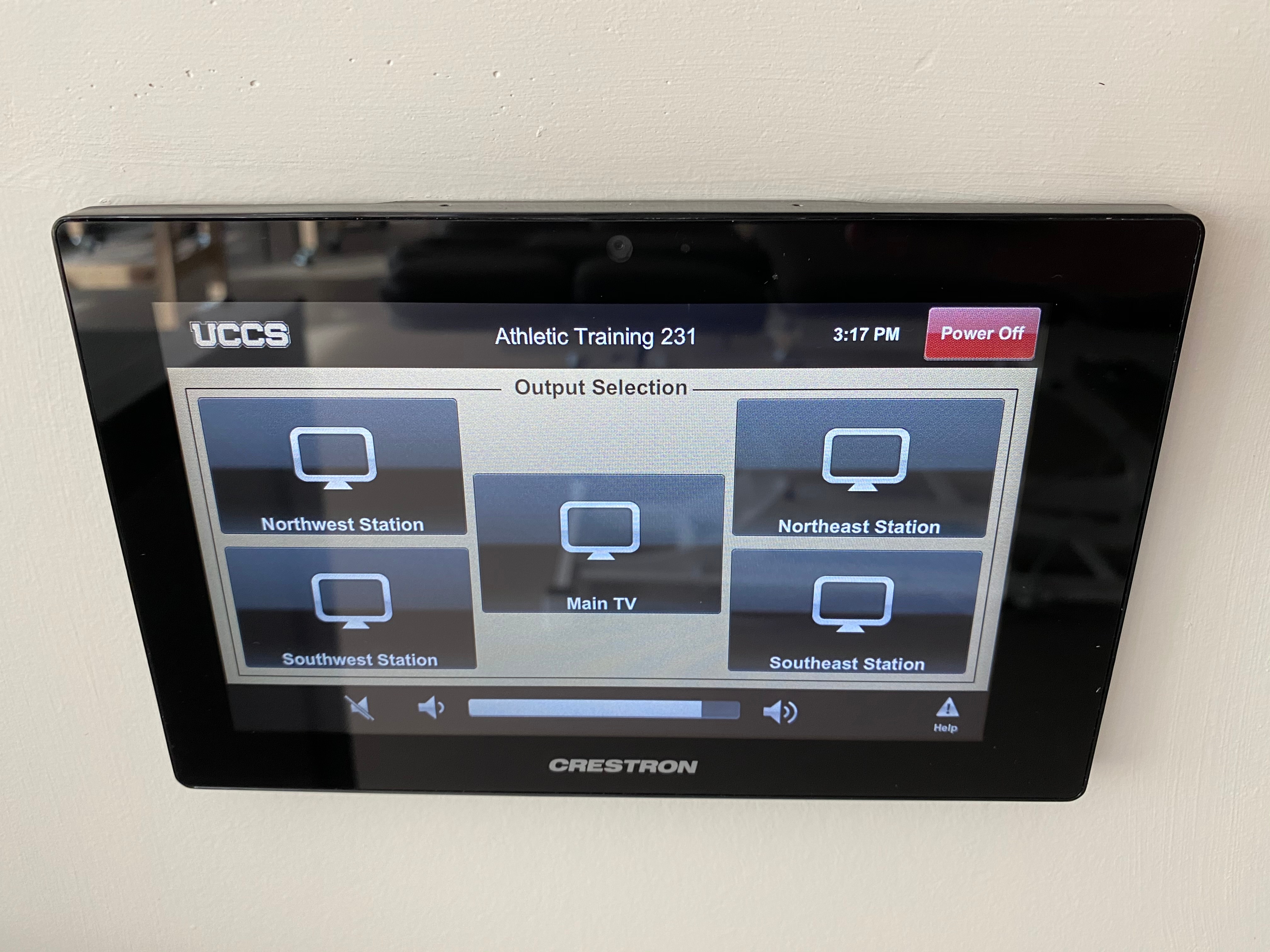
Source selection is divided into two page, one for the display selection and the other for the source selection.
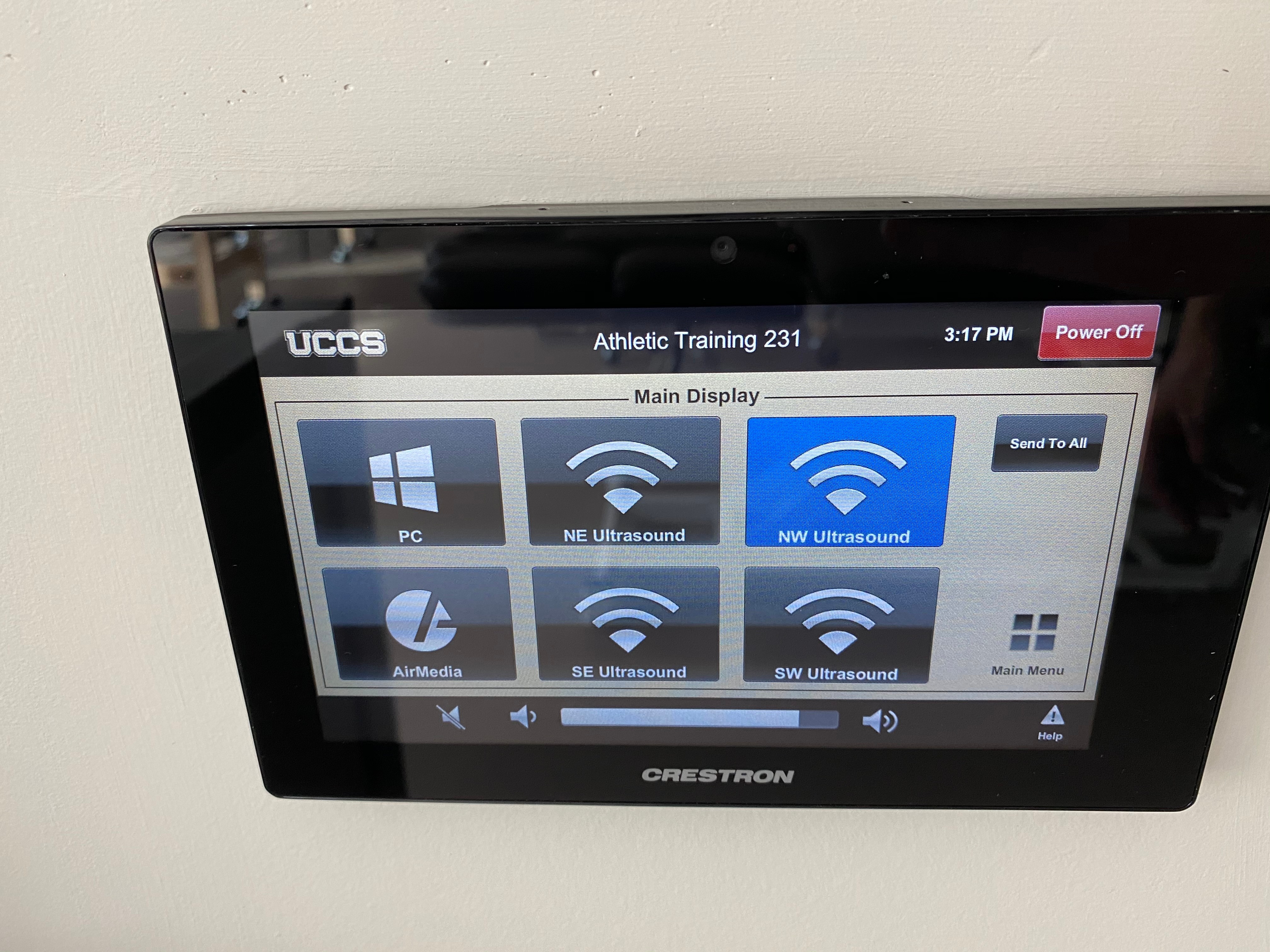
To change inputs, first select the display you would like to change the source on, and then select the source you would like routed. You may choose between PC, AirMedia, or one of the four Ultrasound inputs.
When selecting the source for the main display, there is an option to Sent To All which will send the currently selected main display source to the other 4 displays in the room.
Volume can be controlled using the volume buttons at the bottom of any page on the touch panel. The raise and lower buttons are on either side of the volume bar and the mute button is located in the lower left corner.
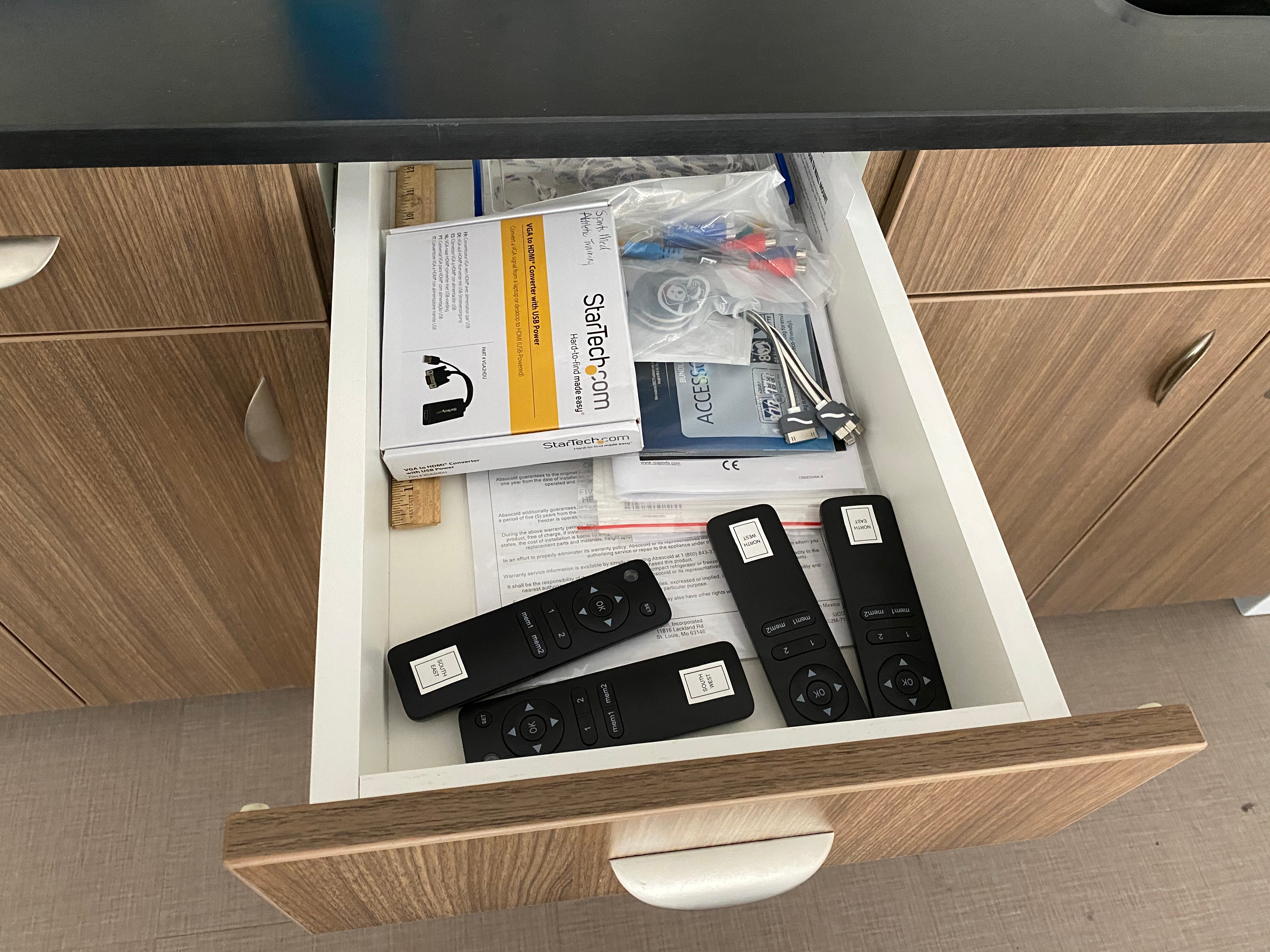
The displays will automatically power on and off with the system. The 4 hanging displays can be raised and lowered using remotes in the drawer next to the sink.
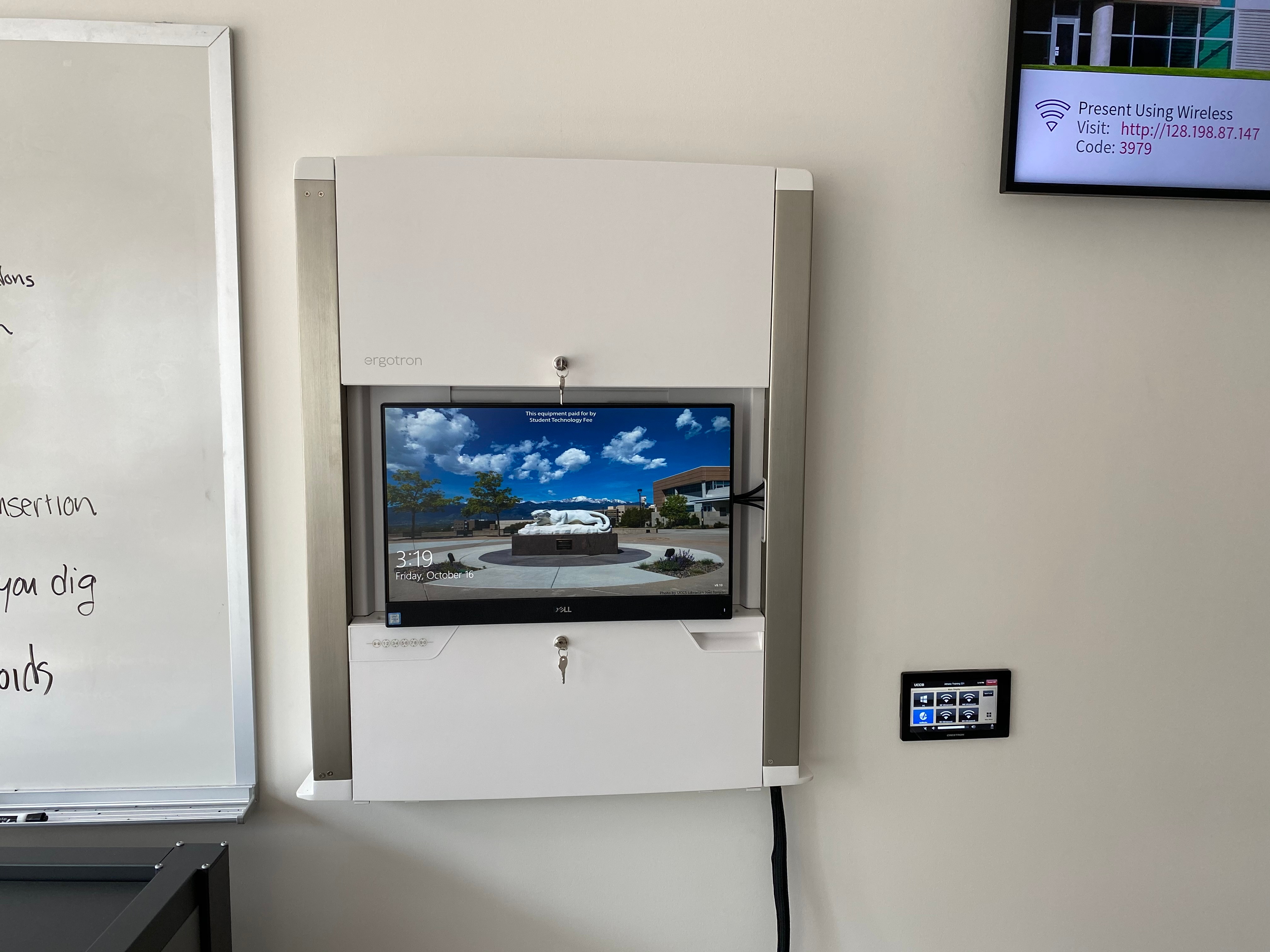
The computer mounted on the wall is the primary source for this AV system. This computer runs the same image as all other podium computers in general fund classrooms and labs. You can sign in with your UCCS credentials.
The keyboard and mouse are located in a fold-out tray under the computer. To open the tray, enter the combination 1-1-1-1-1.
The wall mount is height adjustable. To raise or lower the mount, gently raise or lower it with your hand.
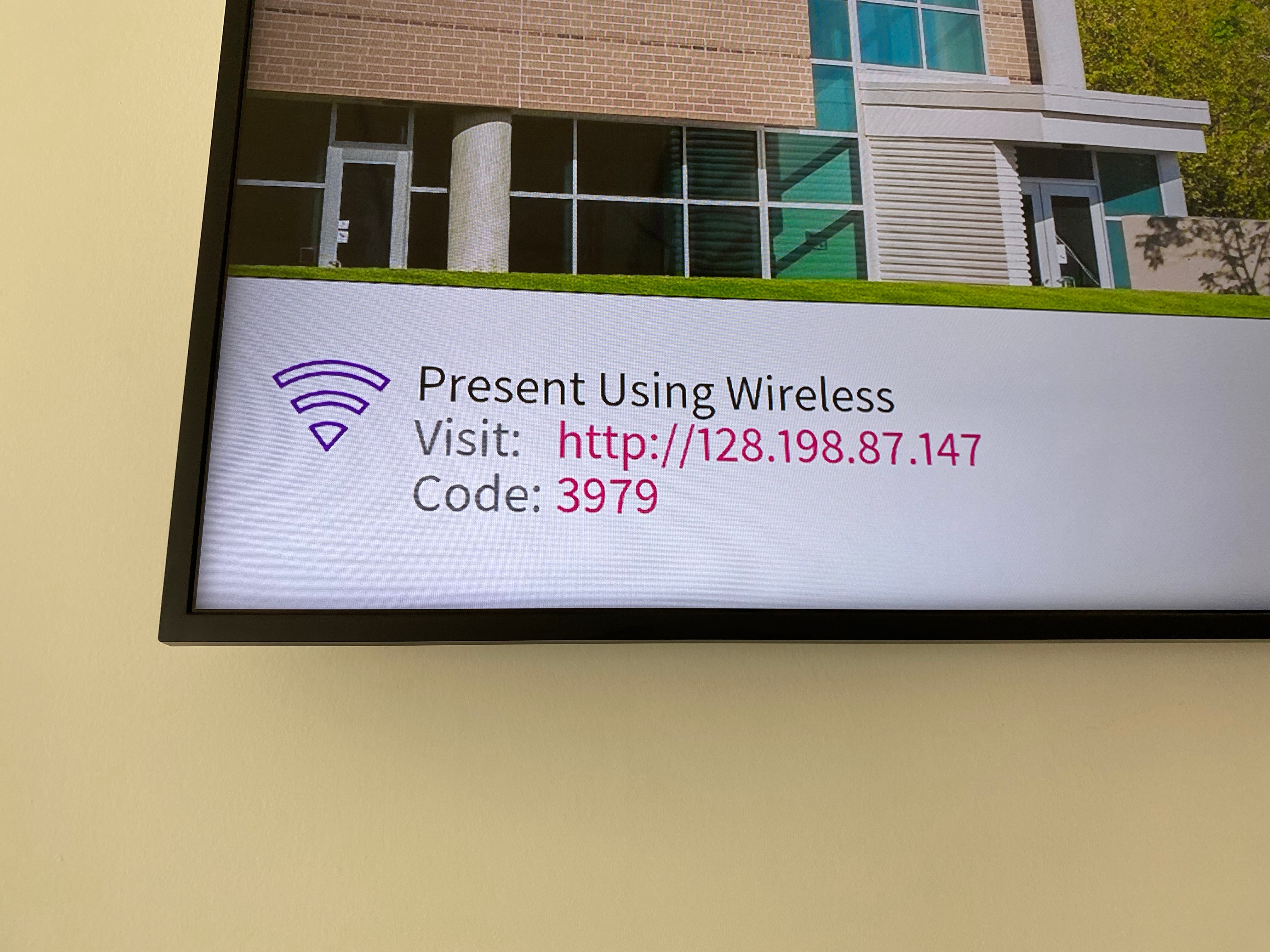
The AirMedia allows for wireless presentation of any device connected to the UCCS-Wireless network.
To connect to the AirMedia:
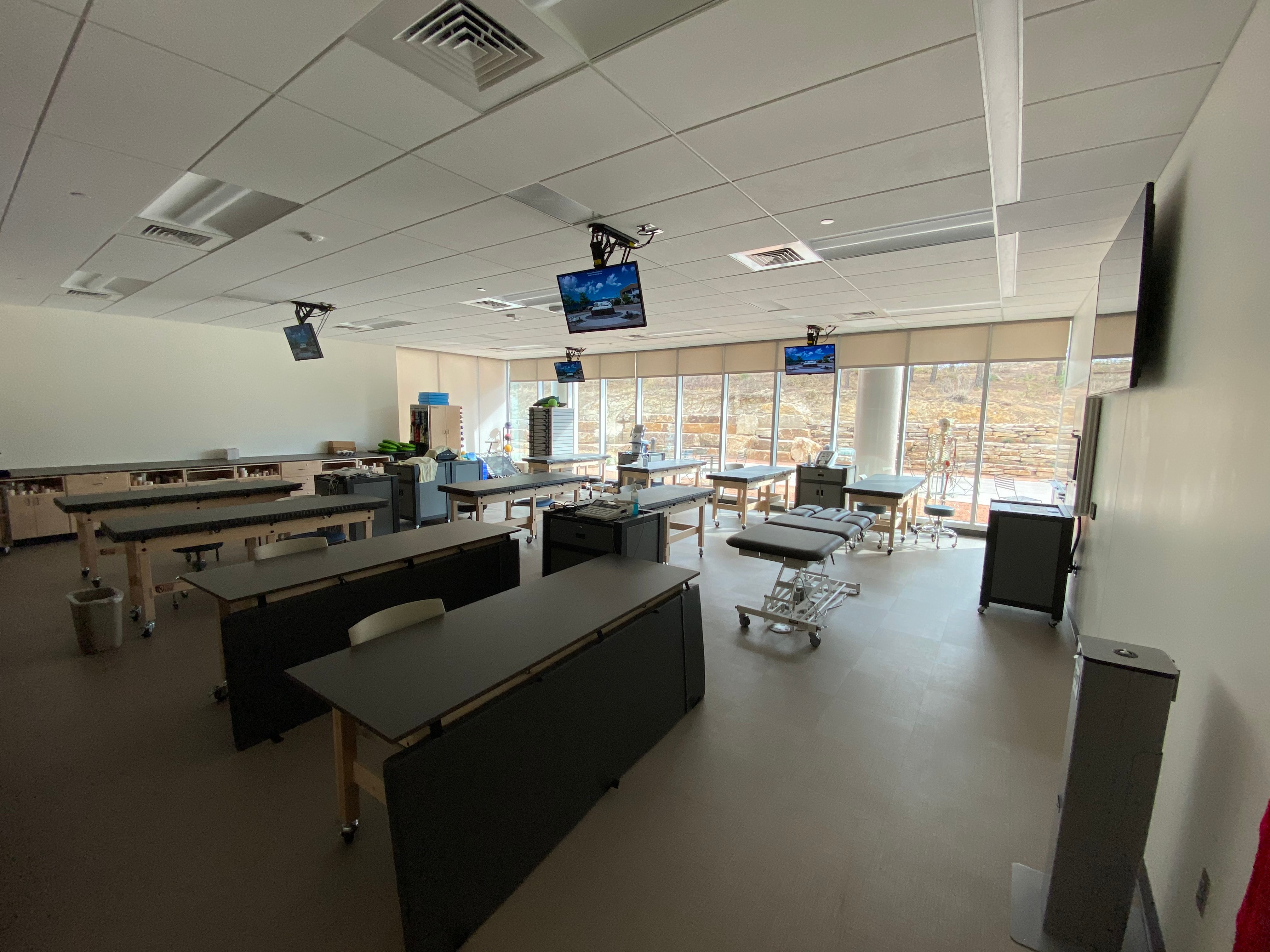
The AV system is designed for use with 4 ultrasound stations which have displays above each workstation.
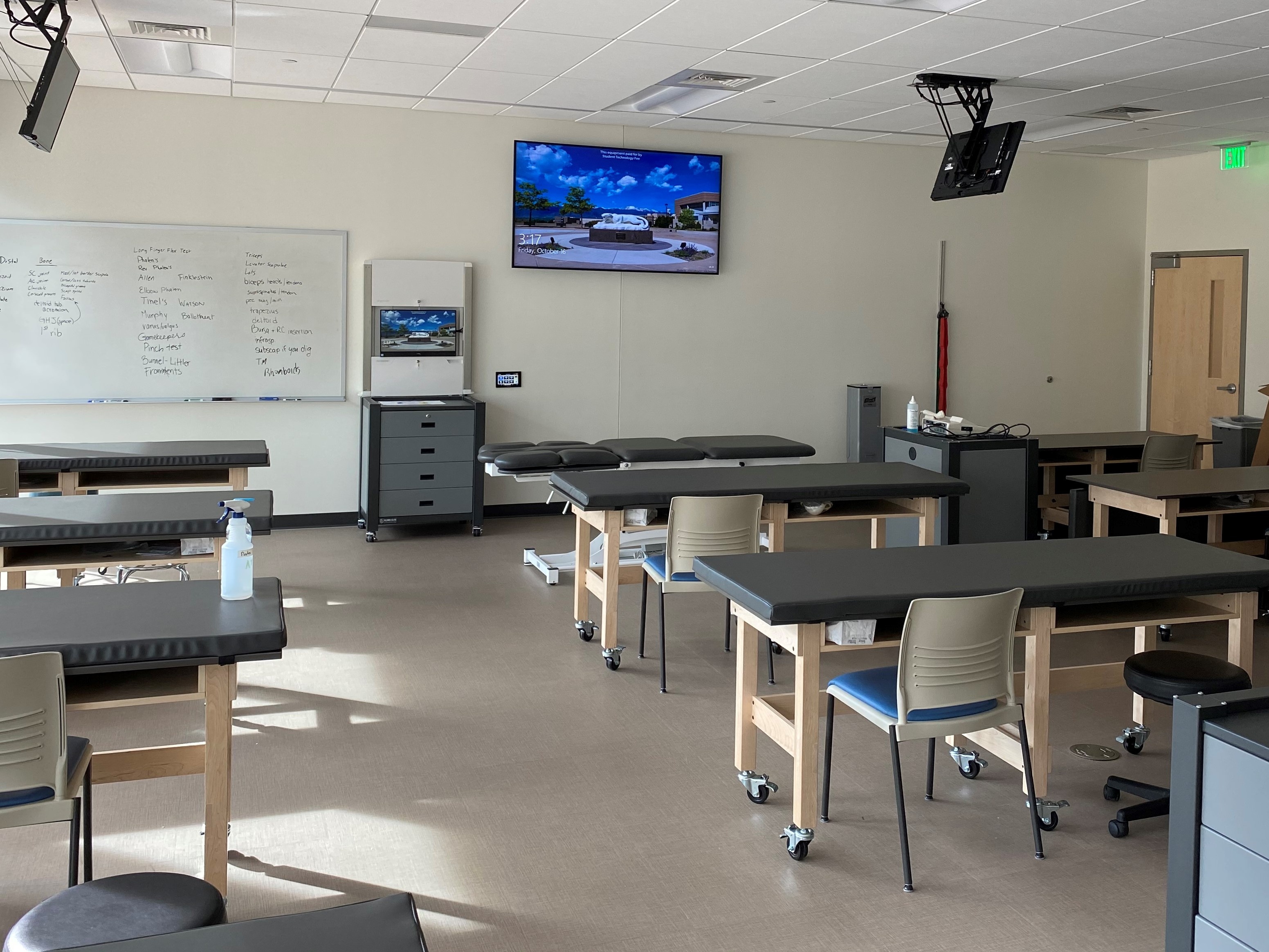
Facing the front of the room, the main display is above the wall mounted PC and touch panel.
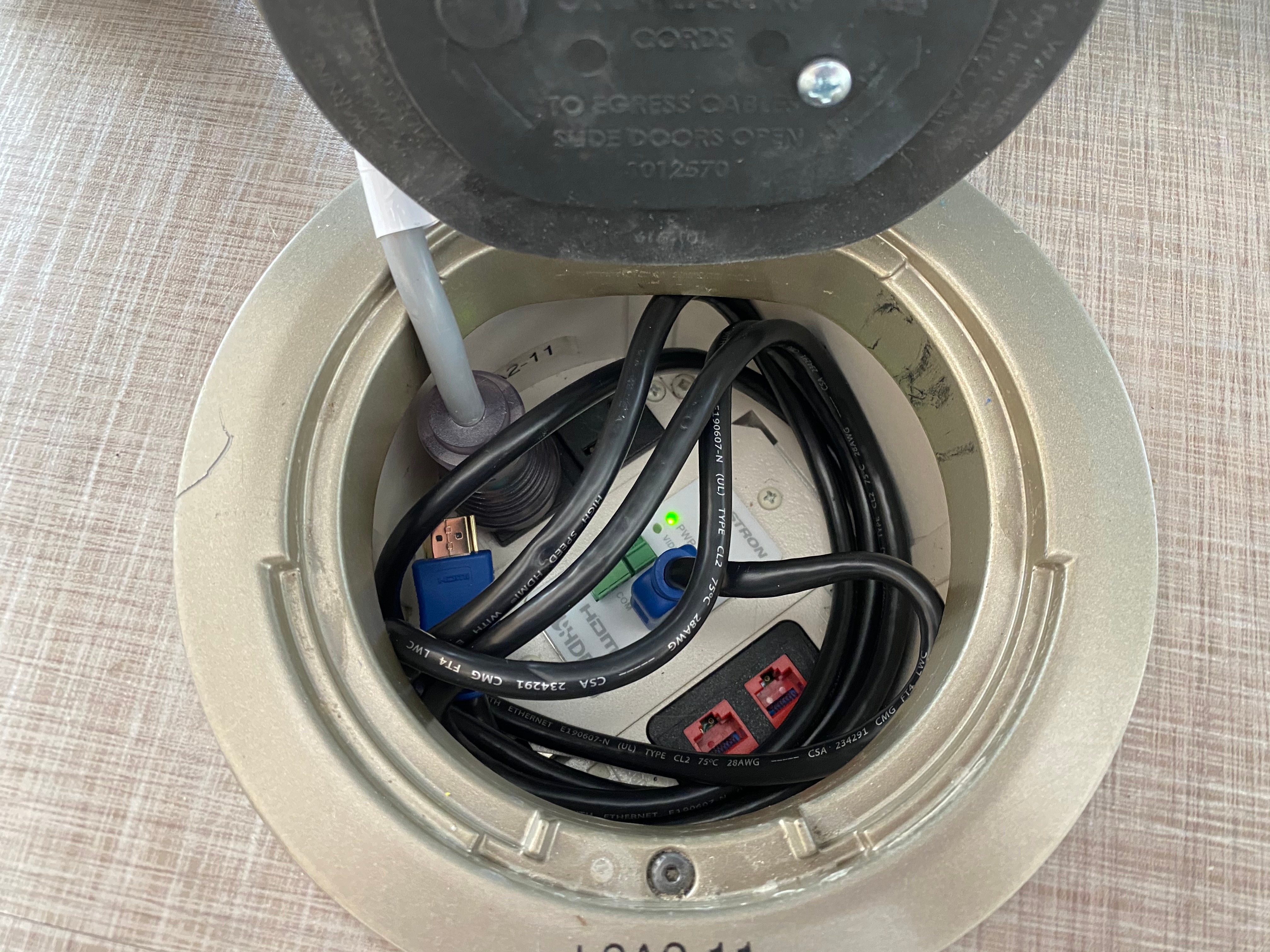
Each of the 4 floor boxes is designed for connection with an ultrasound machine. An HDMI input, power, and data in provided.

The ceiling-mounted displays are on motorized lifts which allow them to be folded up flat against the ceiling.