In the top right corner of the desktop, locate the shield icon with the S in it and double click on it.

This will a open a message box saying "Your computer is protected". Underneath the message, click Open Sophos Endpoint.

This will open the Sophos Endpoint application on your desktop.
In the bottom right corner of the main page, click About.
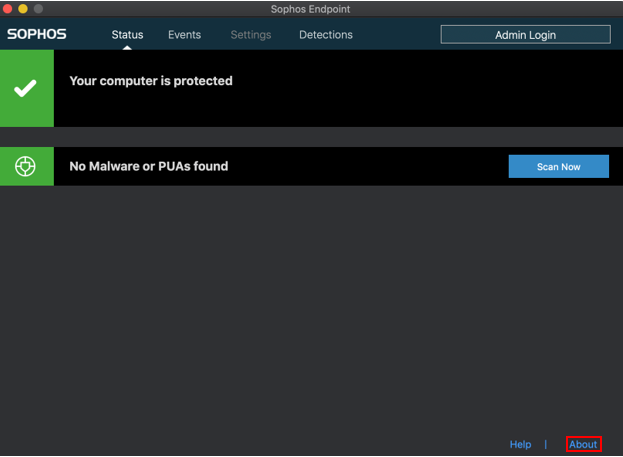
This will pull up a page similar to the one below. Click Update Now to start checking for updates in Sophos.
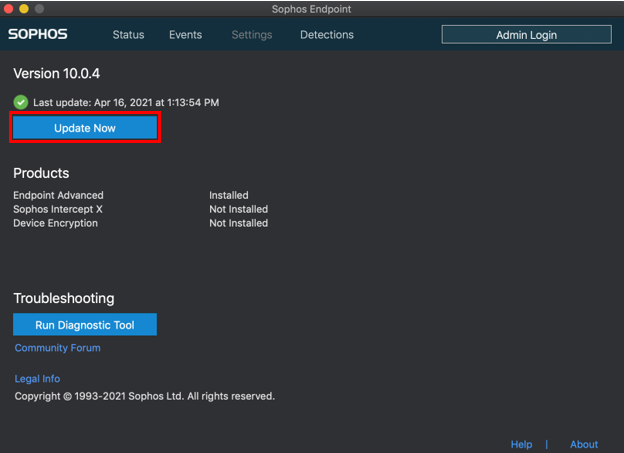
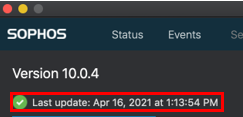
Above the Update Now button, Sophos should say Last update: followed by the date, meaning it has successfully updated.