
Table of Contents
Scope
This is a projector-based, uncontrolled classroom with a Hitachi projector and remote.
- HP EliteOne 800 G4 Podium PC
- 2 Ceiling Speakers
- iClicker System
- Manual Screen
- Hitachi LP-WU6500 5000 Lumen Laser Projector with Mount
- Ceiling Audio Amplifier
- Vaddio/Hyflex VTC System with Camera and Microphone
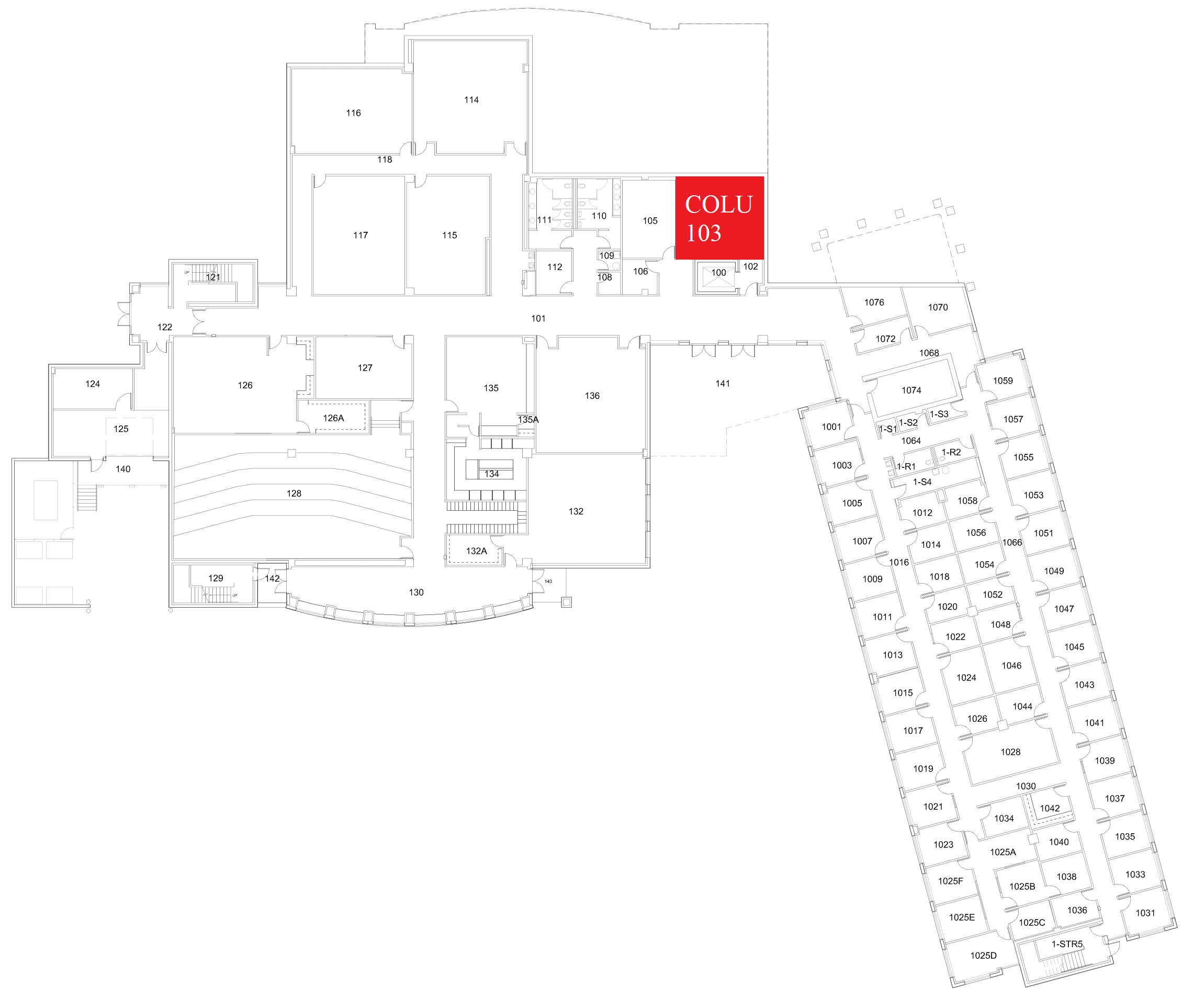
Location: Columbine 1st Floor
Remotes
Projector Remote
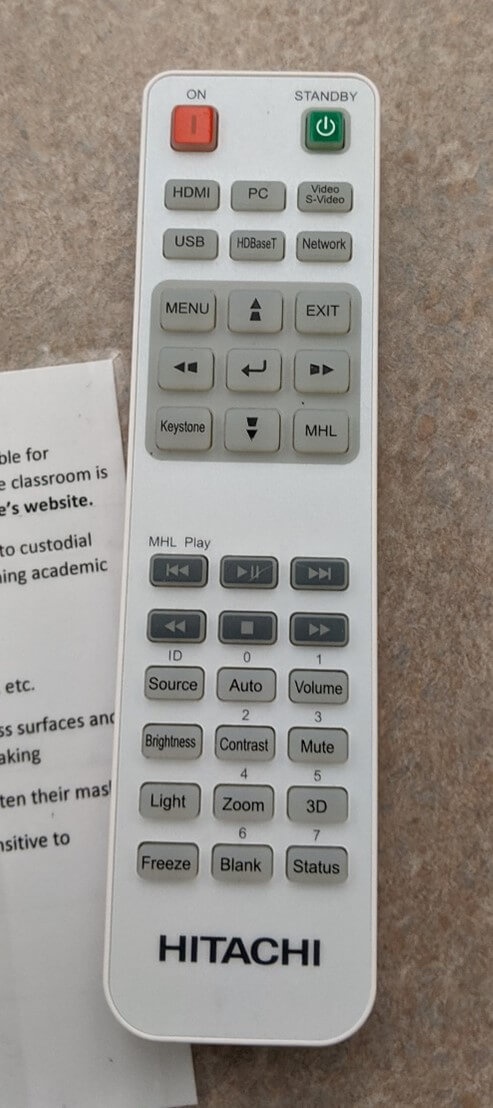
Controls the projector and volume in the room.
Hyflex Remote

Controls the Hyflex VTC System.
Lectern
Remote Location
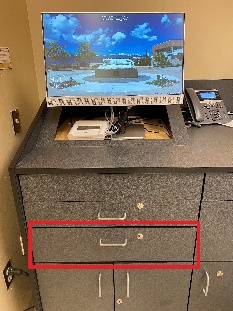
Locations for both remotes are located in the middle drawer on the left side of the lectern shown above.
Keyboard/Mouse Location
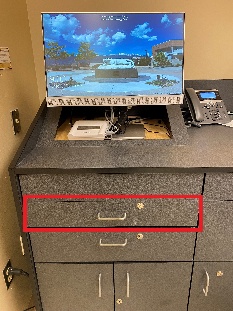
Keyboard and mouse are located in the top drawer on the left side of the lectern shown above.
Courtesy Shelf
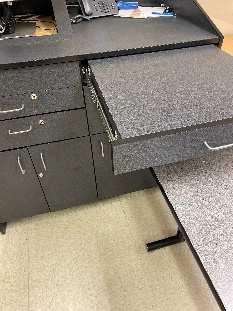
At the top right of the podium, there is a pull out shelf which can be utilized for placing additional materials on the podium.
Controlling the A/V System
Using the Remote
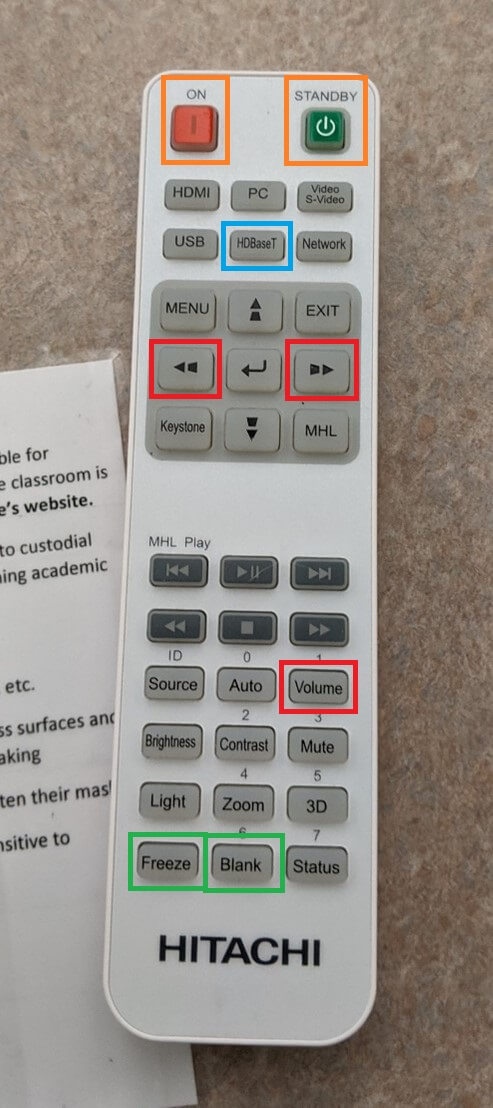
The remote for the projector controls most functions in the room. The remote is labeled below with the colors corresponding to a particular section explaining that function.
Turning the system on and off
To turn the system on, press the red "ON" button on the remote (outlined in orange above). This will only turn on the projector. You must physically pull on the string/handle on the screen to lower it.
To turn off the system, press the green "STANDBY" button twice (outlined in orange above). This will turn off the projector. To raise the screen, pull on the string/handle and the screen should raise. You may have to push on it a bit to get it all the way up.
Source Selection
The source should always be HDBaseT (outlined in blue above). The projector will automatically use the laptop HDMI connection if it is connected. Otherwise, it will use the podium PC as the source.
Volume Control
Volume can be controlled on the projector by pressing the volume button, then using the left and right arrows (outlined in red above). It may also be controlled on the PC using the volume controls  on the bottom right corner of the screen.
Projector Control
The most commonly used projector functions are Blank (A/V Mute) and Freeze. Blank is on the bottom middle of the remote, and Freeze is on the bottom left of the remote (both outlined in green above).
- Blank will shutter the projector and mute the audio. Use this feature when you want to use the whiteboard or front of the room without shutting down the system. Please only use this feature for up to 20 minutes, otherwise it's best to shut down the system.
- Freeze will freeze the currently displayed image on the screen. Use this feature if you'd like to hold a frame still on the screen or use the podium PC for another activity without displaying it, such as checking your email
Inputs
Using the Podium PC and Lectern

The podium PC is on the desk at the front of the room and is the primary source for this AV system and should always use the VGA connection. This computer runs the same image as all other podium computers in general fund classrooms and labs. You can sign in using your UCCS credentials.
Using a Laptop

The HDMI cable on the lectern is for use with a laptop. Connect your device, and the system will automatically switch to the correct input.
iClicker
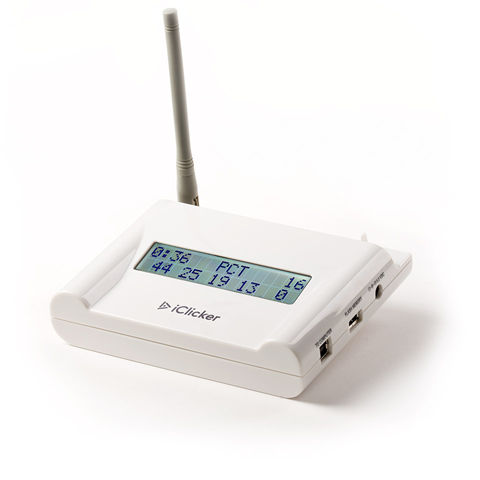
The iClicker system is used for student engagement and is located under/behind the podium PC. Unfortunately, this is not supported by OIT. If an instructor asks for assistance, they need to visit the Faculty Resource Center.
Screen Control
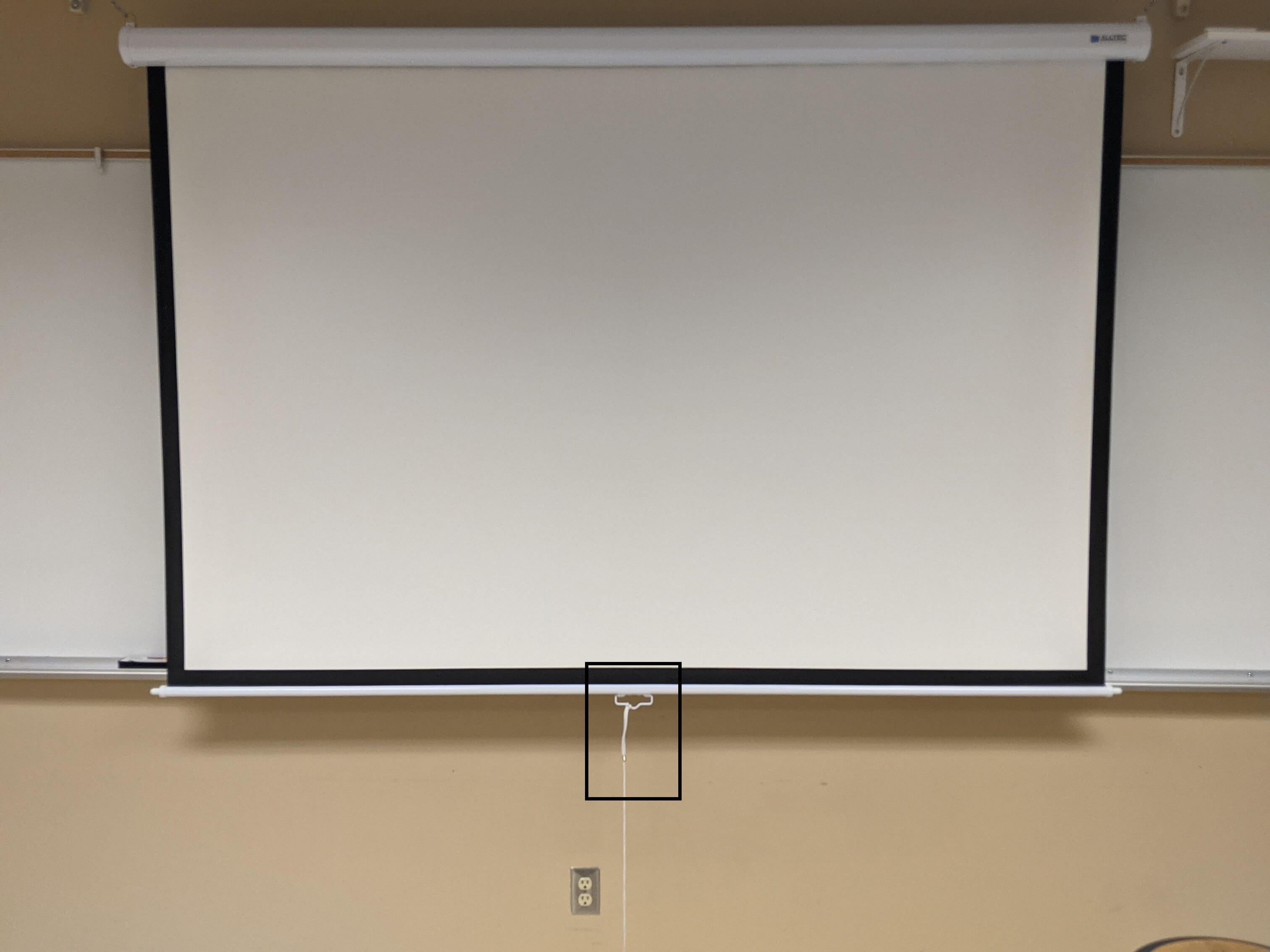
The screen in this room is manually operated. The handle, with a string attached, is outlined in black in the photo above.
Troubleshooting
Audio Issues
Fixing Audio Issues: Uncontrolled Room
Video Issues
Fixing Video Issues: Uncontrolled Room
Vaddio/Hyflex VTC System
Room Specific Issues
COLU 1st and 2nd Floor DM Transmitter
Photos
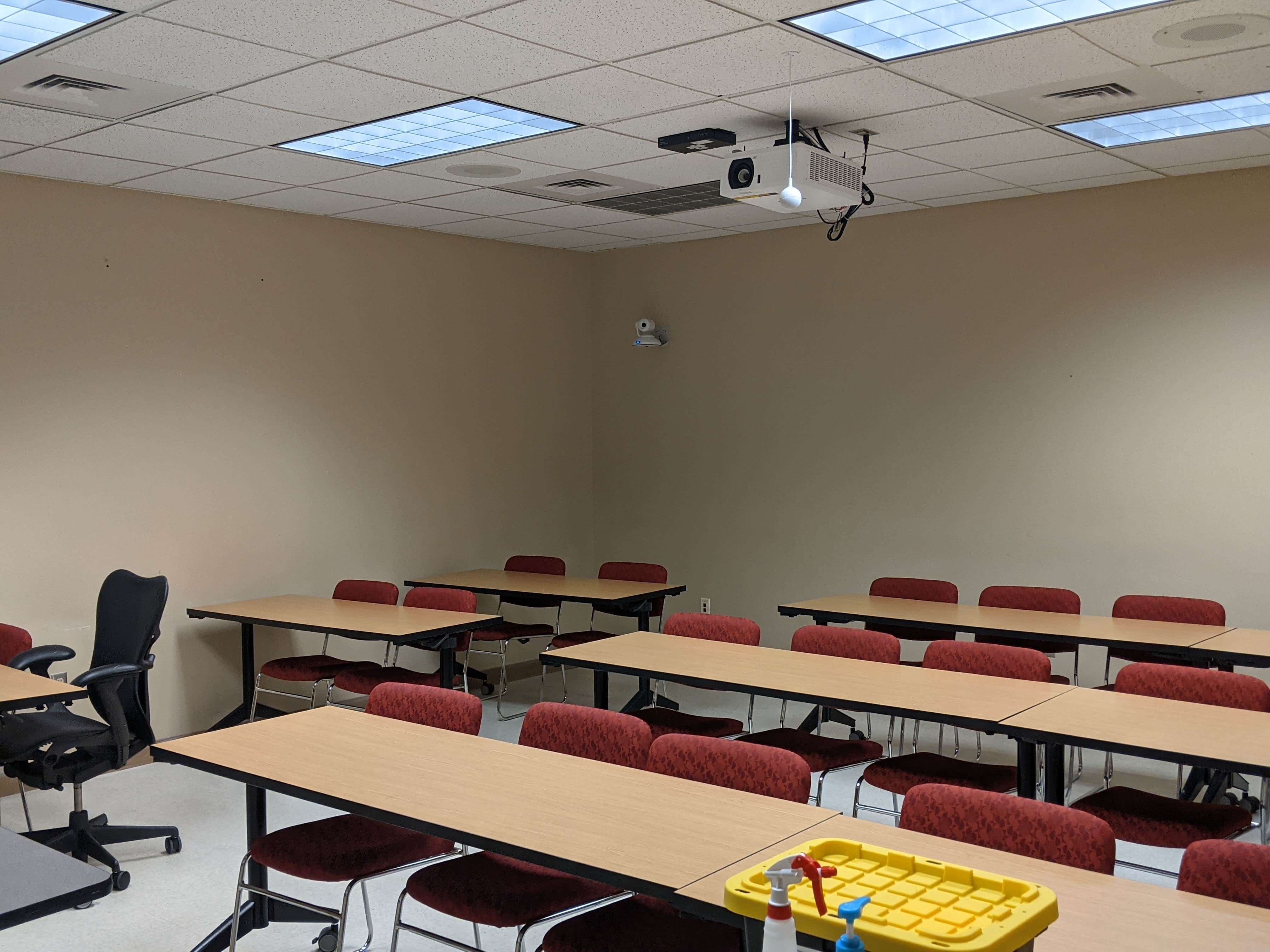
Picture of the room with the Vaddio microphone for HyFlex
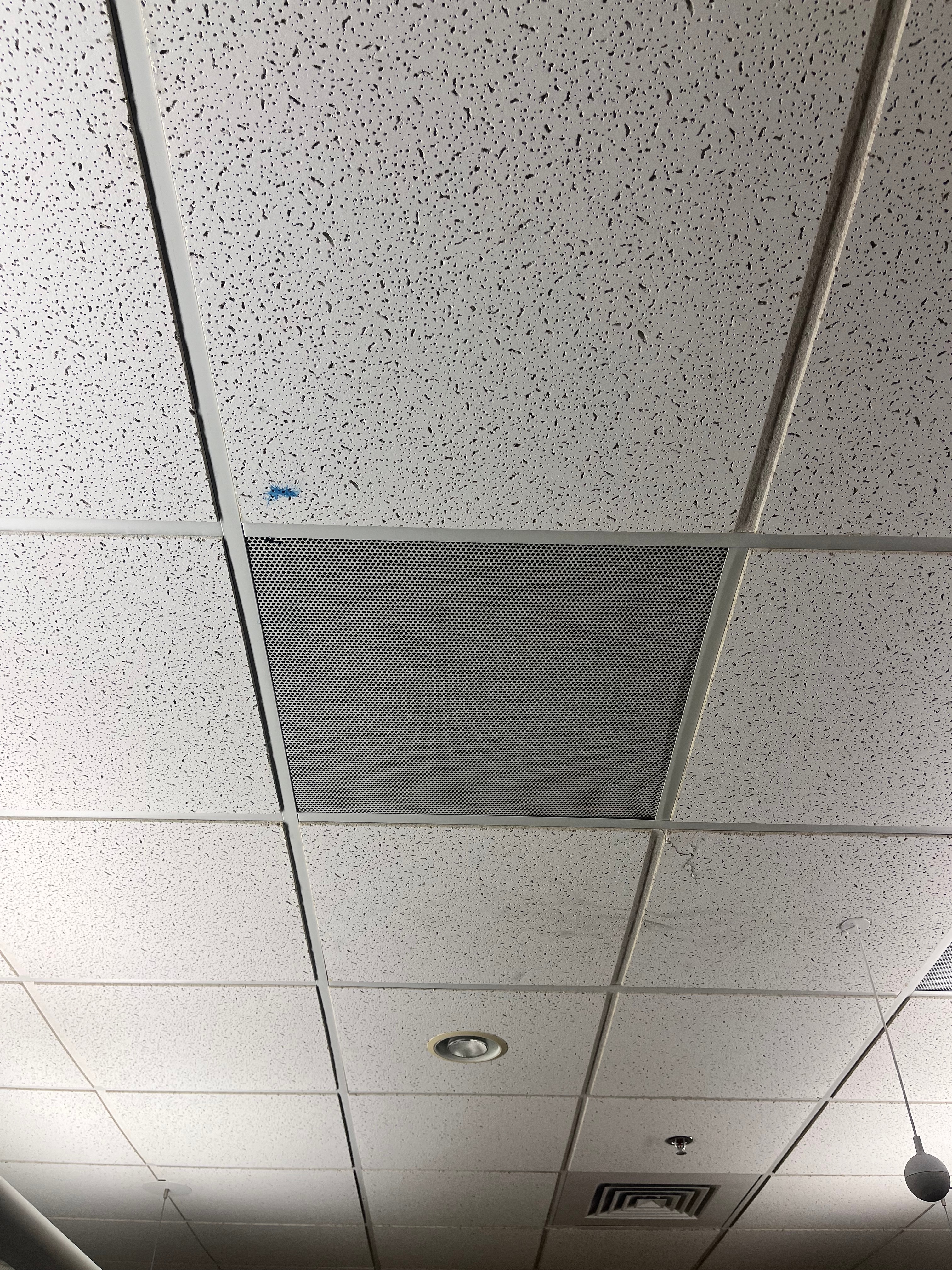
The room speakers are located on the ceiling on either side of the projector.

The Hyflex camera is located on the back wall of the room.

The AV equipment is located in the bottom left cabinet of the podium.

The phone is located on the podium to the right of the PC.