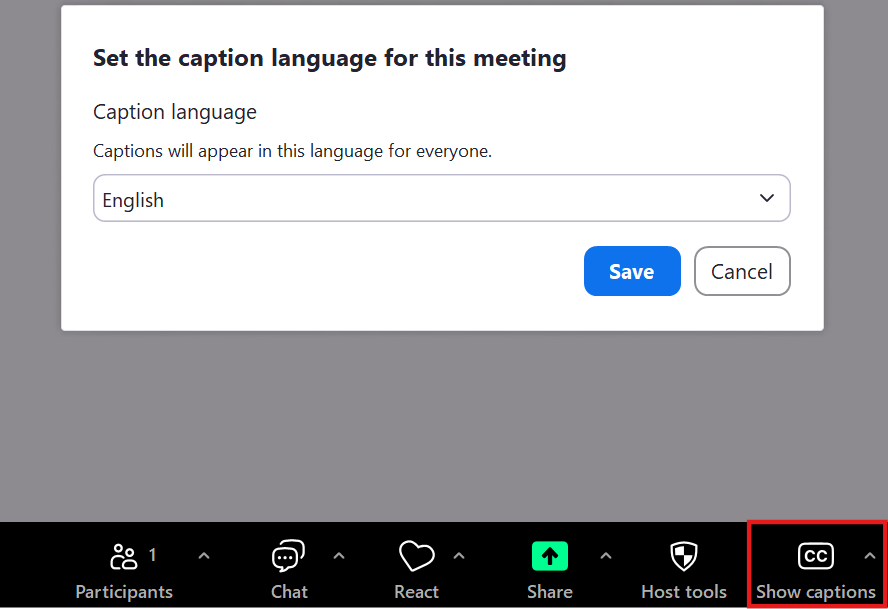
Zoom allows for the creation of closed captioning and live transcription for meetings either by manual transcription, third party software, or Zoom's Live transcription. These options are available in webinars as well but can only be enabled by a host or panelist. For more information on this service, and for instructions on how to enable this, please see this article by Zoom: Closed captioning and live transcription – Zoom Help Center.
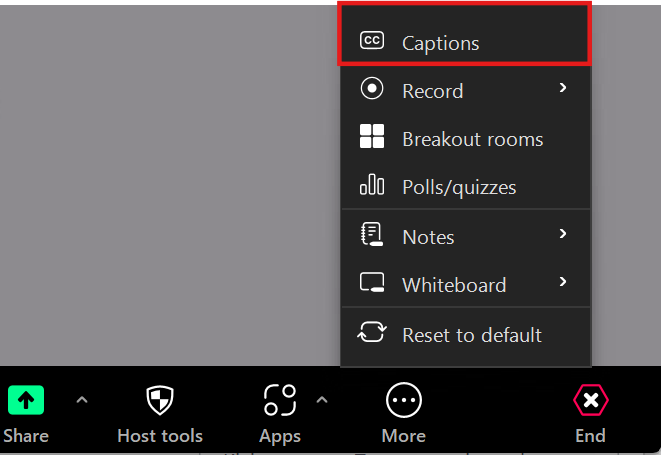
To enable Captions while in a meeting navigate to the More, then Captions. It will prompt you to select a language.
After enabling captions, you can have the captions display by selecting Show captions then Save.