Adobe provides 2 options for logging in. You can use your Adobe ID which may be your personal account or an account you had prior to purchasing licensing from UCCS OIT. Or you can use an Enterprise ID which is managed by UCCS OIT.
There are multiple places to sign into Adobe products. Choose the appropriate sign in for the service you are attempting to access.
Example:
In the sign in box type your full email address. Clicking enter or navigating away from the Email Address field will automatically send you to the following screen
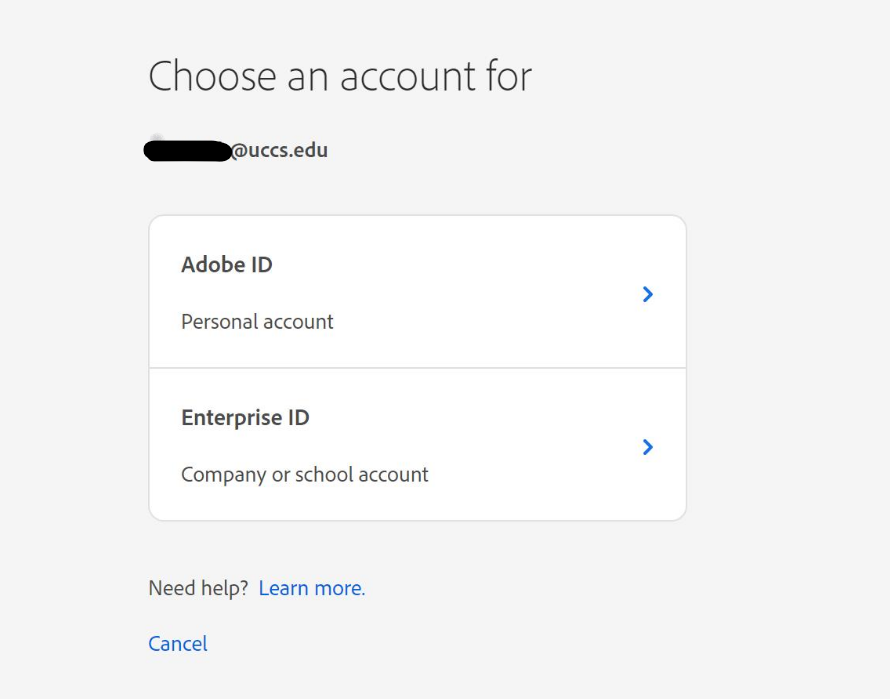
Choose the "Enterprise ID" option you will be sent to the traditional UCCS login screen
Enter your UCCS credentials and click Sign In