...
Step 3: Select the eduroam network

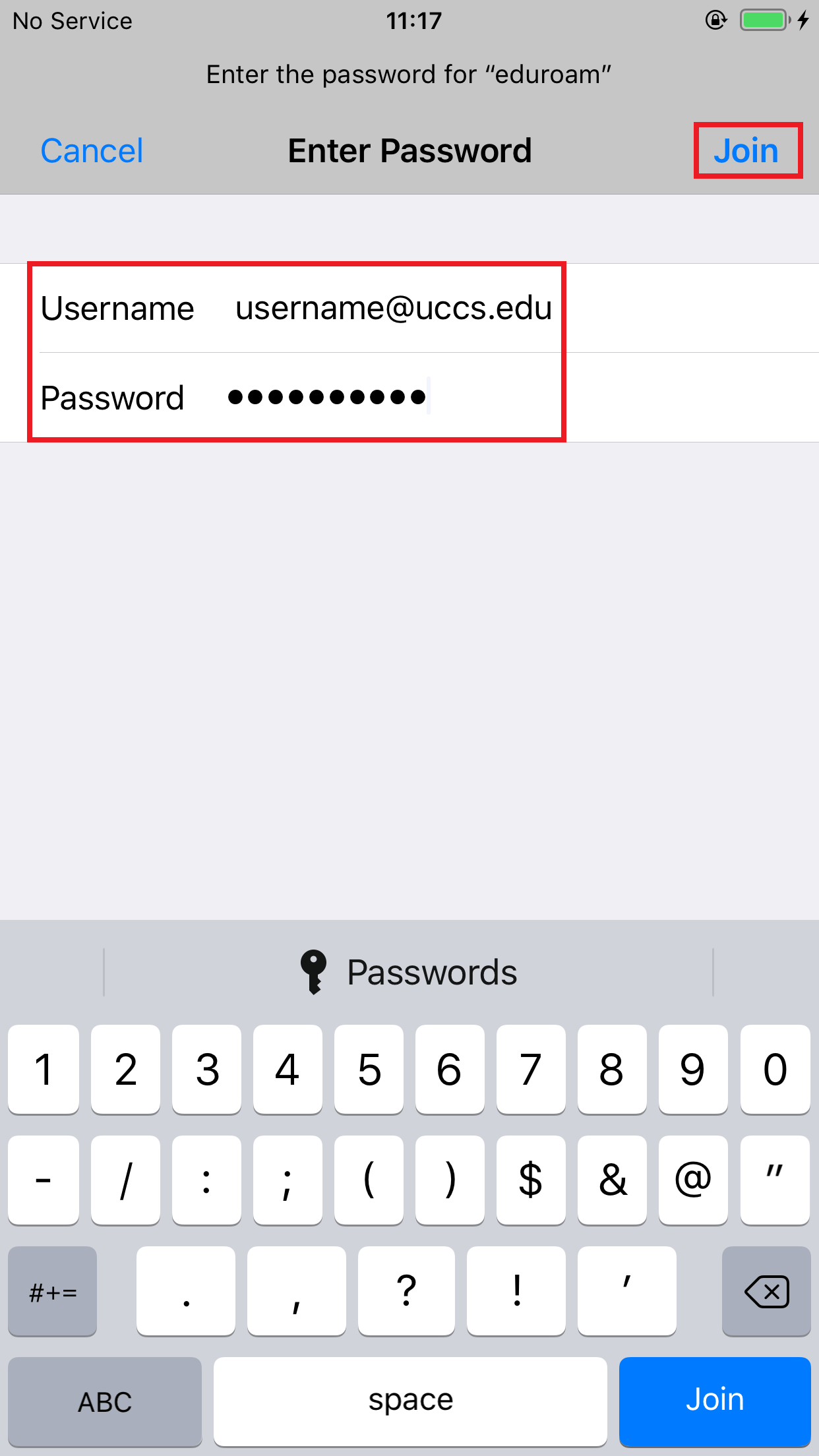
Step 4: Enter your full domain username and password then
...
tap Join
Your username must be Enter your full domain username in the form form [email protected] and your password, then tap Join
Step 5: Review security certificate
...
You should see a screen similar to the following asking you to verify and accept the server's security certificate. The server cppm.uccs.edu is the server you are authenticated against. To To be safe you should always validate the certificate you are about to trust.
To validate and see more information about the certificate, click More Details
...
Scroll down until you see the Fingerprint Fingerprints section
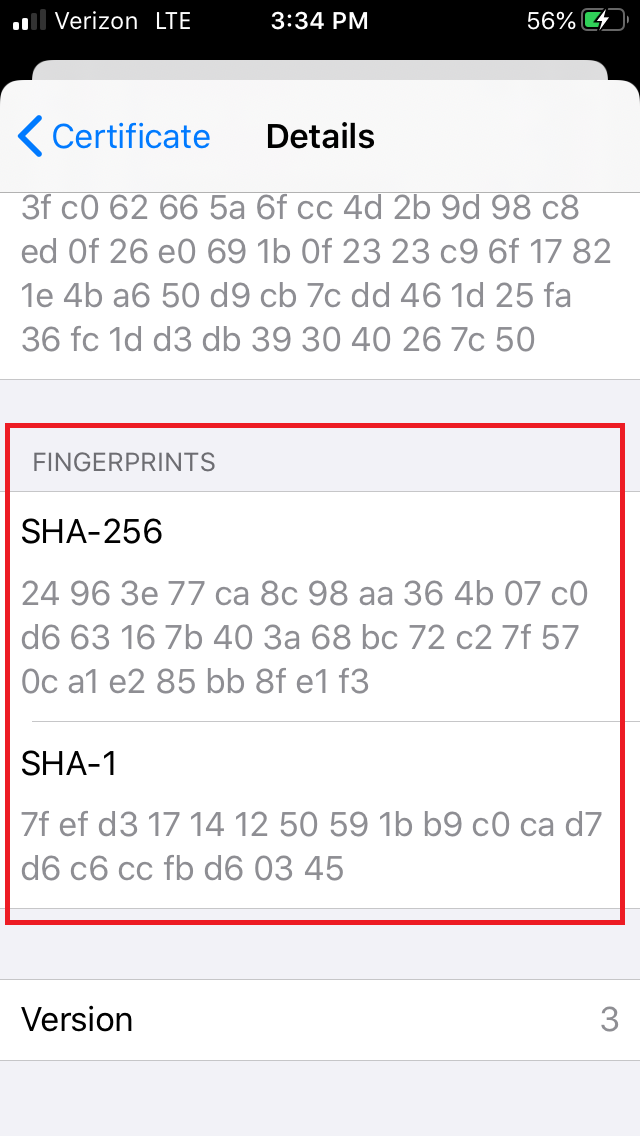
Your certificate fingerprints should match the fingerprints listed below...
| Excerpt Include | ||||||
|---|---|---|---|---|---|---|
|
...