...
AP-505H setup instructions
Note: The model 505H access points have two system status LEDs on the front of the AP. However you cannot see them illuminate until you provide power to the RAP.
Setup instructions: 505H RAP Setup Instructions.pdf
Photo of a 505H RAP:

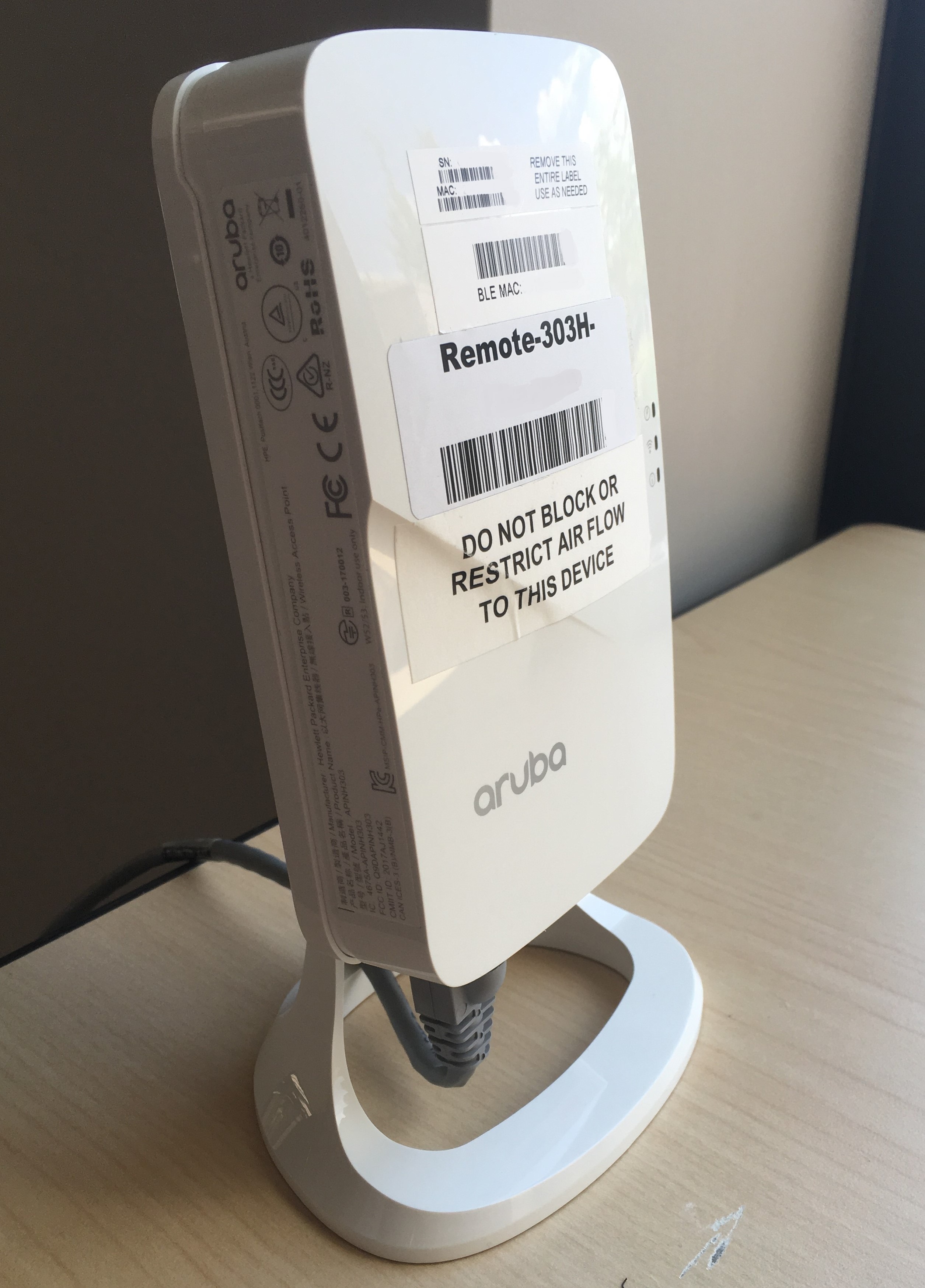
AP-303H setup instructions
Note that : The model 303H access points have three the system status LEDs on the right side of the AP as you look at the front of it.
Remote AP Setup Instruction AP303HSetup instructions: 303H RAP Setup Instructions.pdf
Photo of a 303H RAP:
AP-205H setup instructions
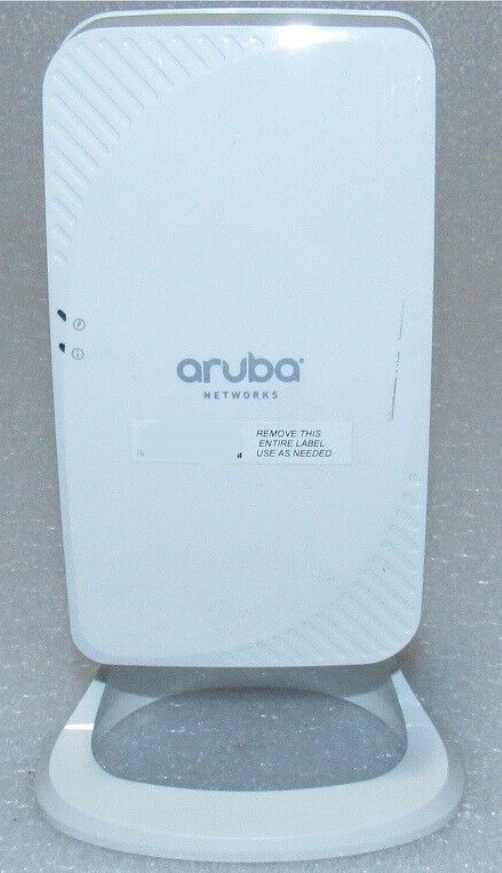
Note that : The model 205H access points have the two system status LEDs on the left side of the AP as you look at the front of it.
Remote AP Setup Instruction AP205HSetup instructions: 205H RAP Setup Instructions.pdf
Photo of a 205H RAP:
AP-315 setup instructions
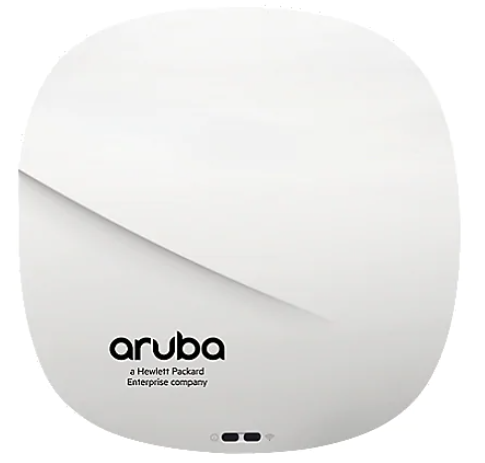
Note that the : The model AP-315 is round and has two status LEDs on the front of the RAP.
Remote AP Setup Instruction AP315Setup instructions: 315 RAP Setup Instructions.pdf
Supplemental Instructions for models AP-205H and AP-303H
Please review this supplemental instruction sheet if you have either a 205H or a 303H model RAP.
Photo of an AP-315:
 RAP Setup Instruction - Supplemental for 205H and 303H.pdf