en299-p1 is a Konica Minolta Bizhub C360i.
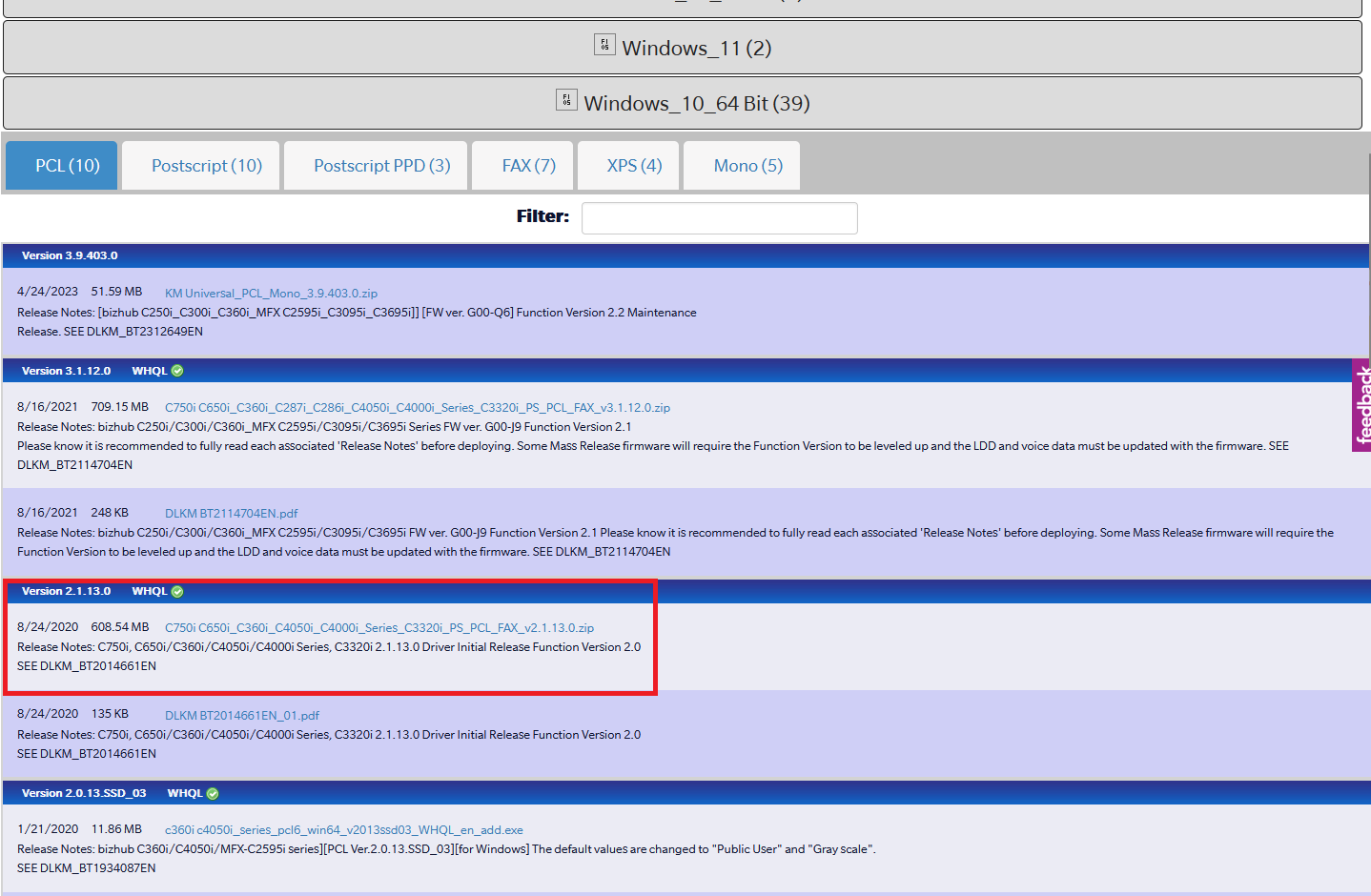
Step 1) Download the proper driver
To start, visit this site to download the : https://onyxweb.mykonicaminolta.com/onestopproductsupport?appMode=public&productId=2175&categoryId=1&subCategoryId=undefined
Step 2) Installing the printer
Follow the following KB article below on how to install the printer. Make sure you use the driver we installed above.