You can setup MFA to either call or send a text with a code to your phone for verification.
To do so:
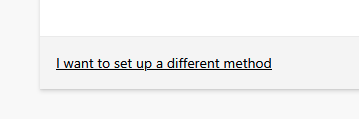
- Click on the black underlined text from that says "I want to set up a different method"
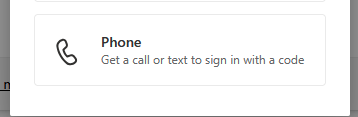
- Click on the "Phone option"
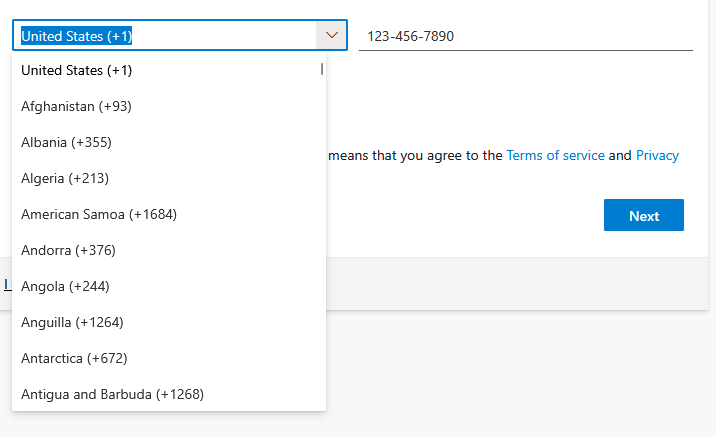
- Enter your phone number in the box. Please note that you can set up foreign phone numbers provided they are not banned by the U.S. Use the drop down menu to the left of the box asking for a phone number to change the country code.
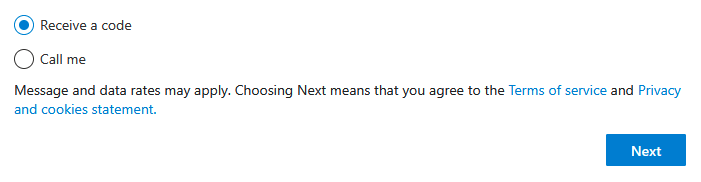
- Select whether you want a call or a text, then click 'Next'
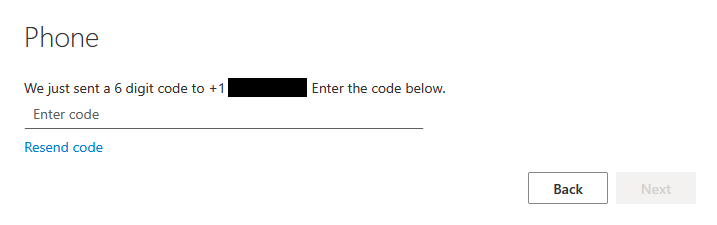
- If you chose text, here is what the next screen will look like. When you get the code texted to you, just enter it in the box.
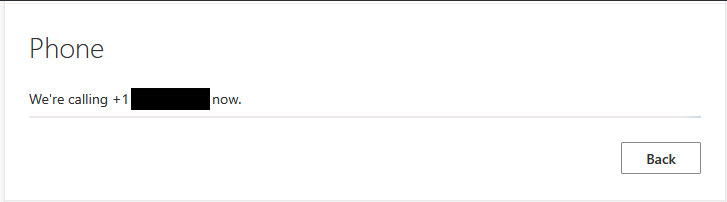
- If you chose call, here is what the next screen will look like. You should receive a call and be instructed to press the pound key.
- If you chose text, here is what the next screen will look like. When you get the code texted to you, just enter it in the box.
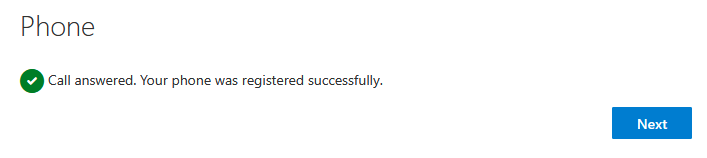
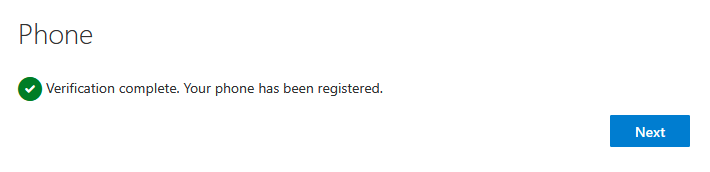
- You should get the following screens when completed:
- Call:
- Text:
- Call:
All done! You should now have MFA set up to be able to call or text your phone whenever you are prompted to verify.