If you get the following prompt when trying to open your Zoom client, depending on whether or not you have administrator privileges on your device, you can try updating Zoom by uninstalling the program, and reinstalling the newest version.

Step 1)
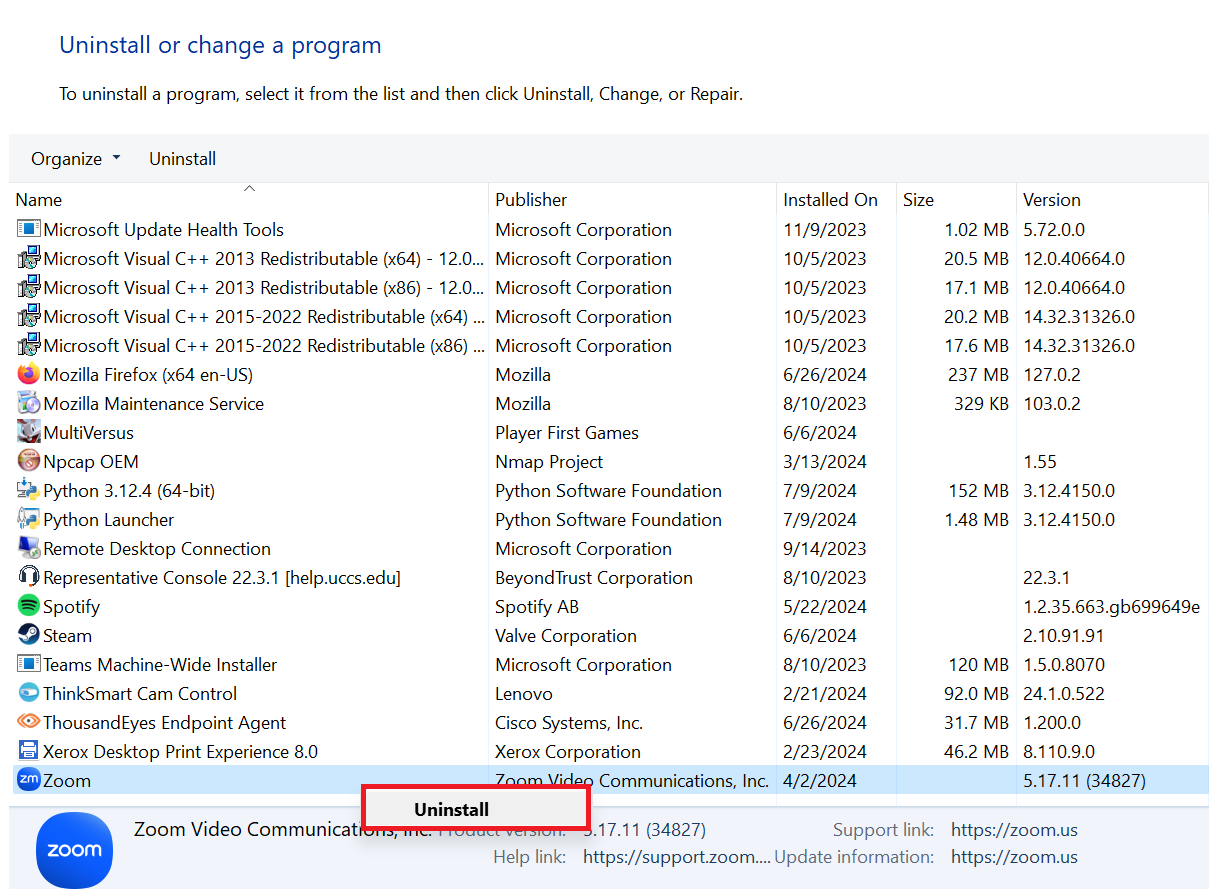
To install Zoom, open Control Panel and navigate to Uninstall a program

Step 2)
Scroll down to the bottom until you find Zoom. Right click and select Uninstall. If you are prompted, Are you sure you want to uninstall Zoom?, click Yes.
Step 3)
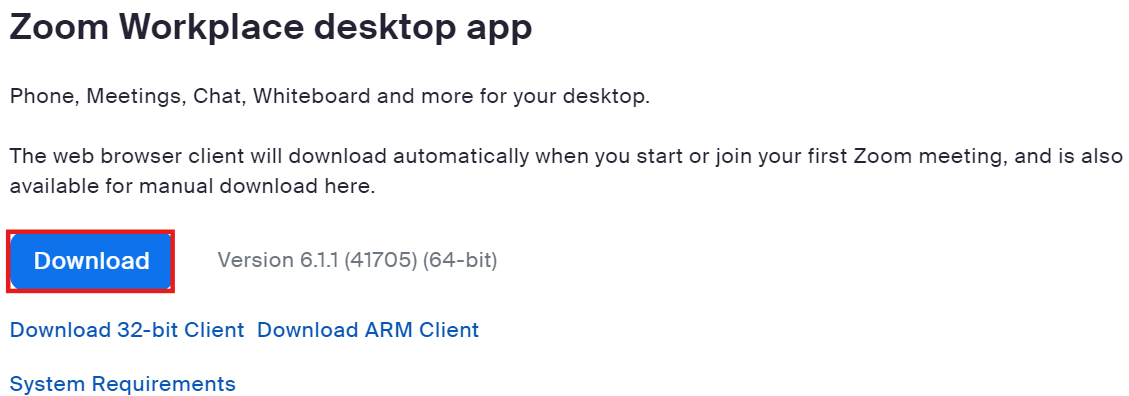
Once you have uninstalled Zoom, go to the Zoom Download Center and download the program.
Step 4)
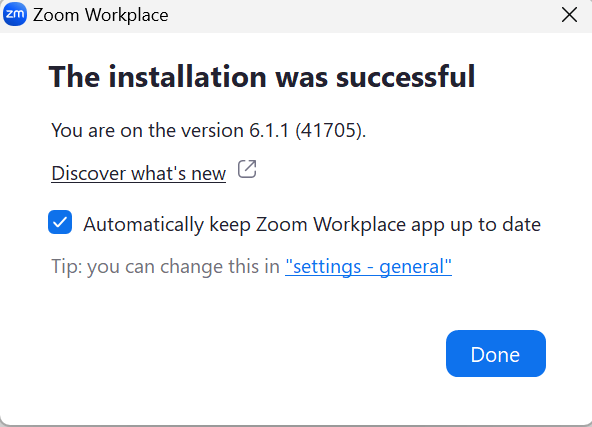
After the download is complete click on the Zoom installer ZoomInstaller.exe to install Zoom. A successful install will look like the screenshot below.
Step 5)
The Zoom app should automatically open. You can follow this guide (skip to step 4 in the guide) to re-set up Zoom to work on your computer.