
Table of Contents
| Table of Contents | ||||
|---|---|---|---|---|
|
Features
This is a projector-based, uncontrolled classroom with an Epson projector and remote.
- Podium Computer
- Audio System with Speakers
- Electric Projection Manual Pull-Down Projector Screen
- Full HD Laser Projector
- HDMI input for laptop at Lectern
- Hyflex VTC System with Camera and Ceiling Microphones
- Projector on desk
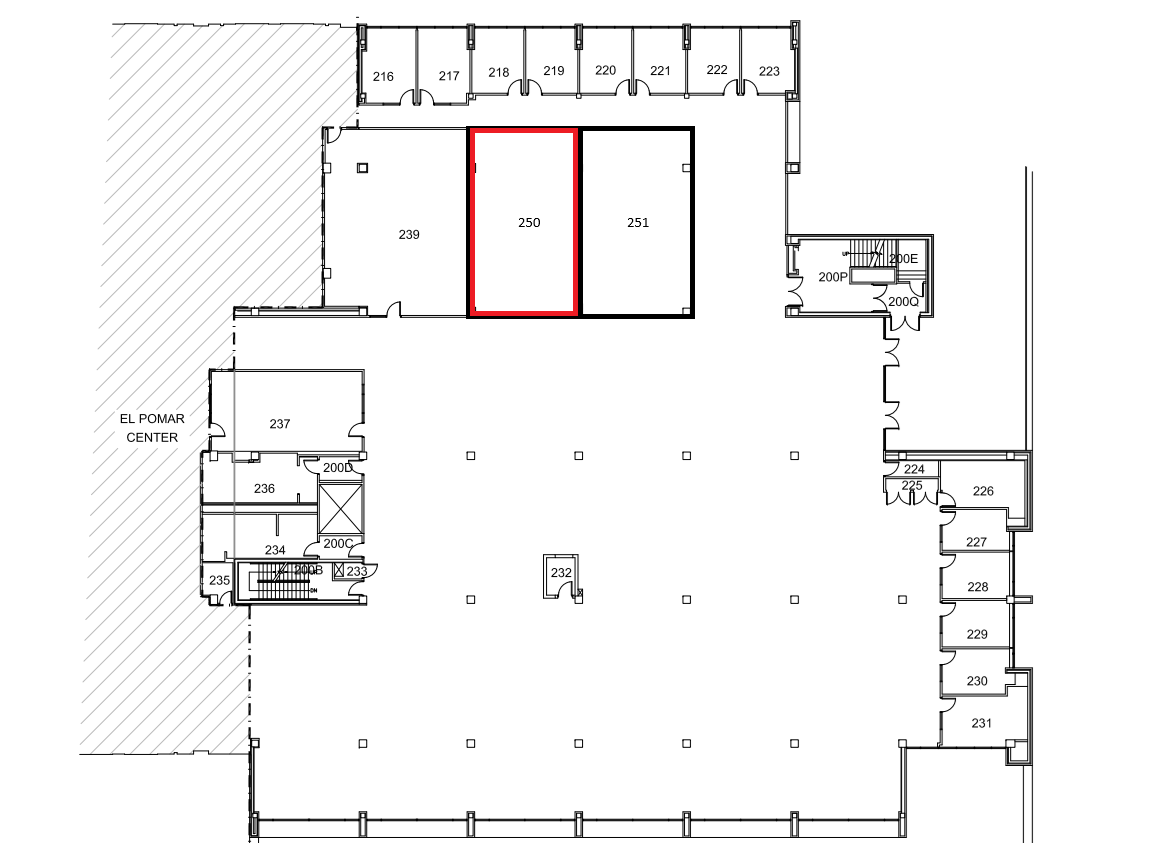
Location: ELPC 2nd Floor
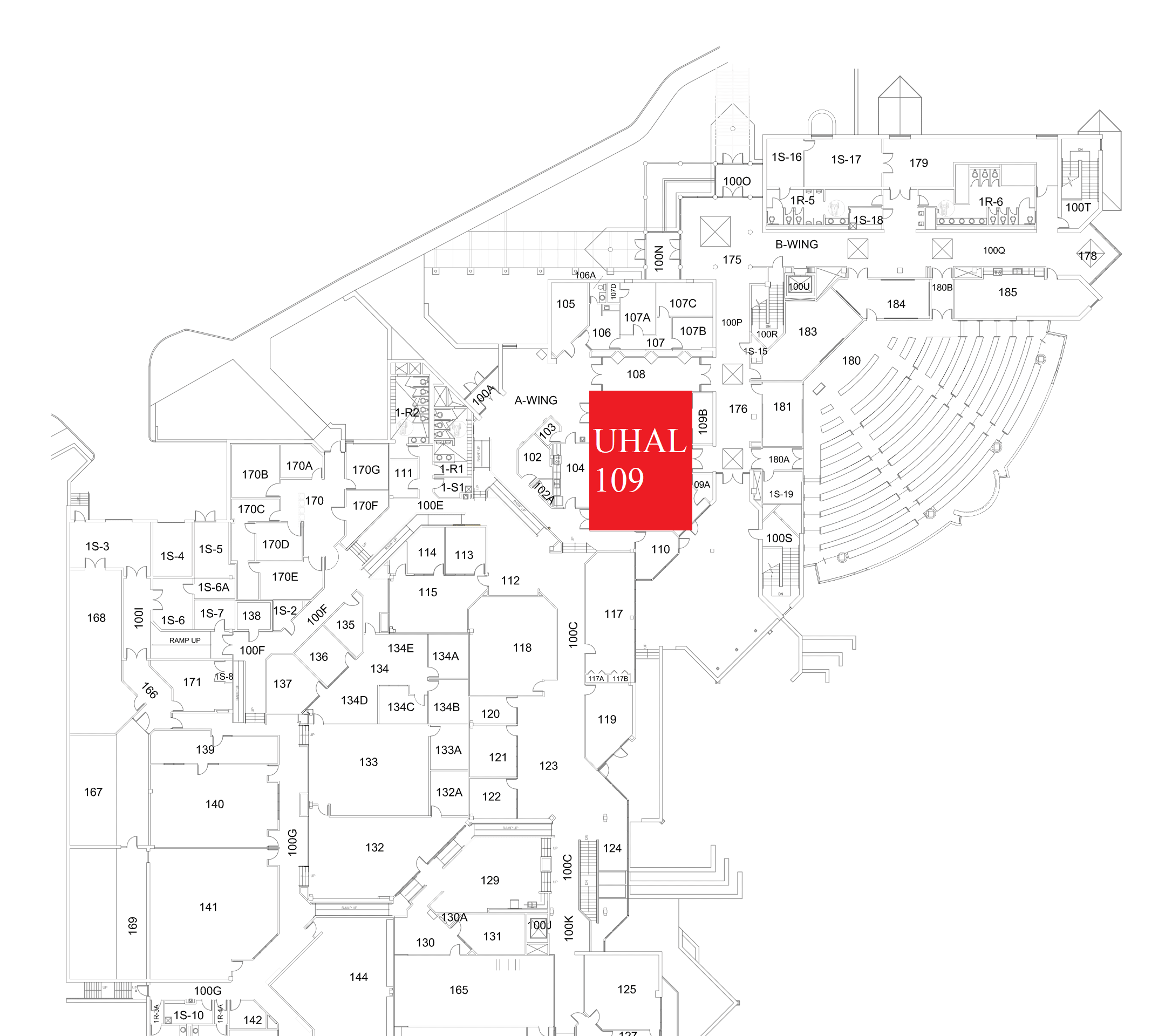
Location: UHAL 1st Floor A-Wing
Remotes
Projector Remote
Controls the projector in the room. Located on top of the podium or in the podium drawer.

Hyflex Remote
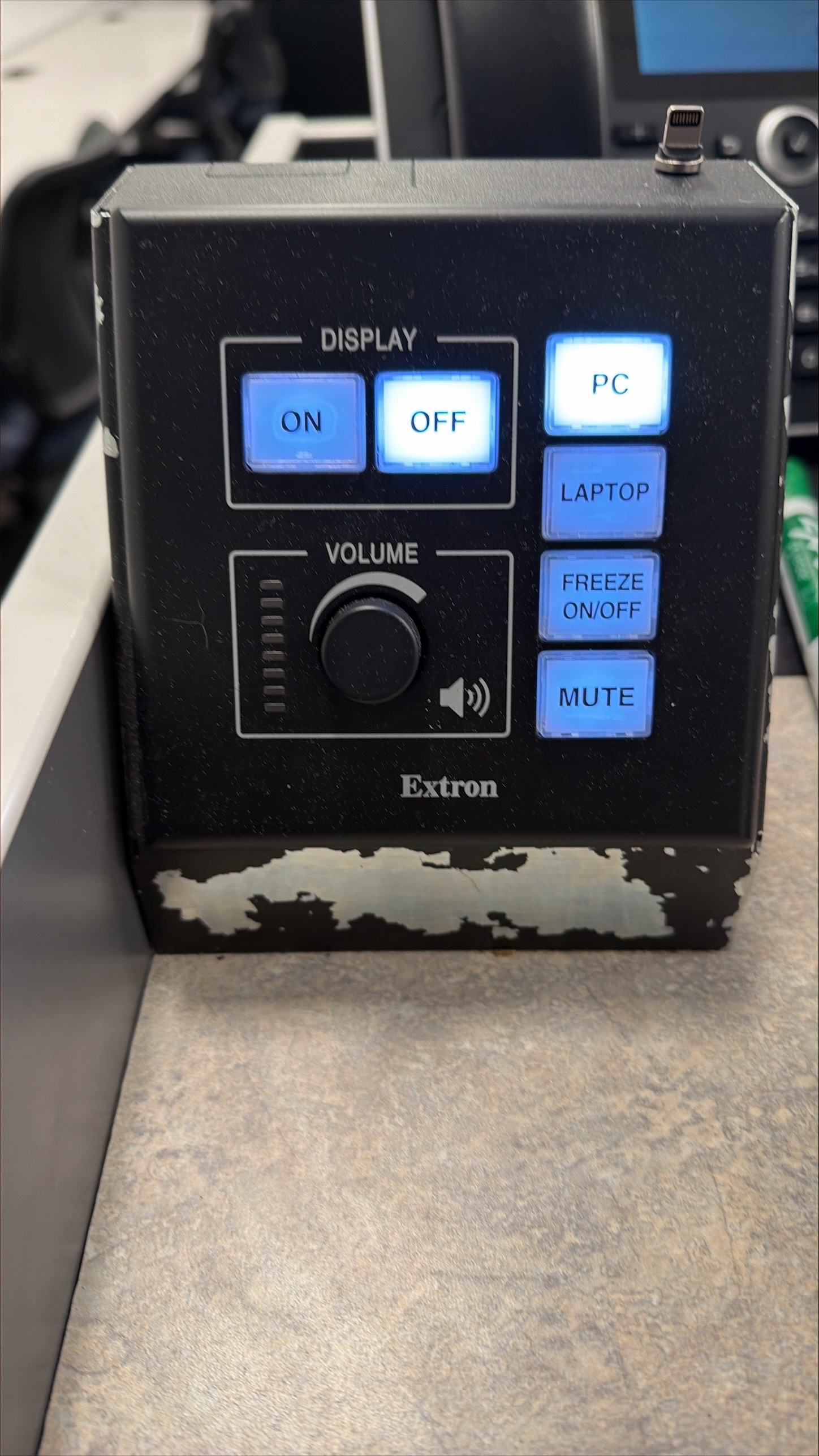
Extron MLC Button Panel
The Extron MLC Button Panel can only switch between the PC and Laptop sources. All other features do not work at this stageControls the Hyflex VTC System. Located on top of the podium or in the podium drawer.
Controlling the A/V System
Using the Remote
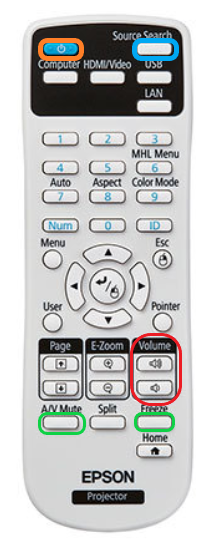
The remote for the projector controls most functions in the room. The remote is labeled below with the colors corresponding to a particular section explaining that function.
Turning the system on and off
To turn the system on, press the power button on the remote (outlined in orange to the left). This will only turn on the projector. You must manually lower the screen using the screen controls pull-down string located on wall near the closest entrance to the podiumthe projection screen at the front of the room.
To turn off the system, press the power button twice. This will turn off the projector. To raise the screen, use the same controls pull-string on the wallprojection screen.
Source Selection
The source in this space is going to be "HDBaseT" HDMI 1". This can be selected by pression the Source Search button (outlined in blue to the left). To switch inputs, first make sure that your laptop is connected with the provided HDMI cable, then the projector will automatically switch to the laptop input. To switch back, disconnect the HDMI cable from the laptop. There should be no need to switch inputs on the remote, unless troubleshooting an issue.
Volume Control
Volume can be controlled with the volume knob behind the lecternbuttons on the projector remote, or on the PC using the volume controls on the bottom right corner of the screen.
Before adjust adjusting volume knob buttons on the wallremote, make sure the computer volume is up/not muted and that the source you're playing from also is not muted.The volume is NOT affected by the volume button on the projector remote in this space.
Projector Control
The most commonly used projector functions are A/V Mute and Freeze. A/V Mute is on the bottom left of the remote, and Freeze is on the bottom right of the remote (both outlined in green to the left).
- A/V Mute will shutter the projector and mute the audio. Use this feature when you want to use the whiteboard or front of the room without shutting down the system. Please only use this feature for up to 20 minutes, otherwise it's best to shut down the system.
- Freeze will freeze the currently displayed image on the screen. Use this feature if you'd like to hold a frame still on the screen or use the podium PC for another activity without displaying it, such as checking your email.
Inputs
Using a Laptop
Using
a Podium PC and
Laptop
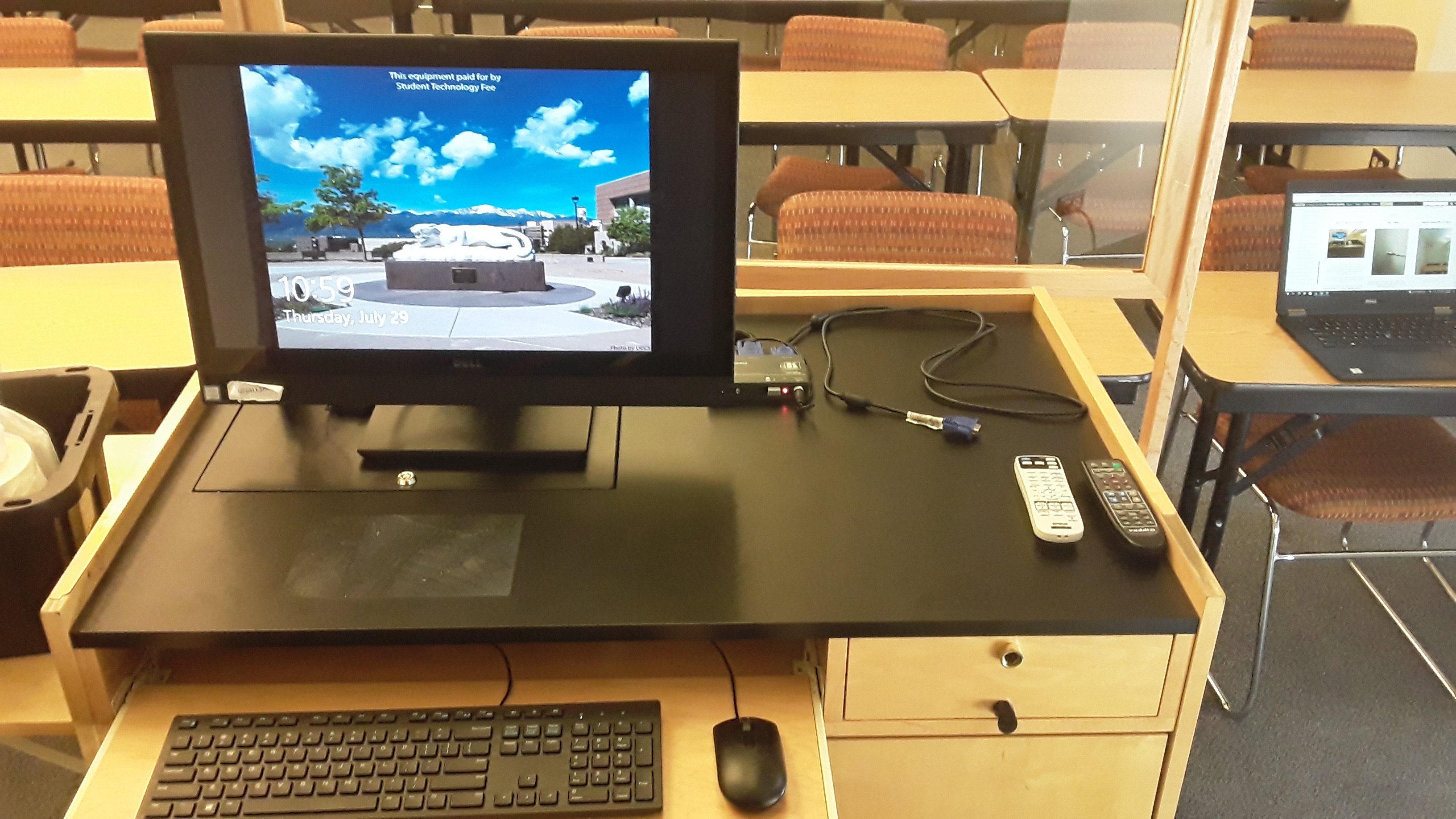
The computer placed on the podium is the primary source for this AV system. This computer runs the same image as all other podium computers in general fund classrooms and labs. You can sign in with your UCCS credentials.
The keyboard and mouse are located in the pull-open tray shown below. Please return them to this tray after use.
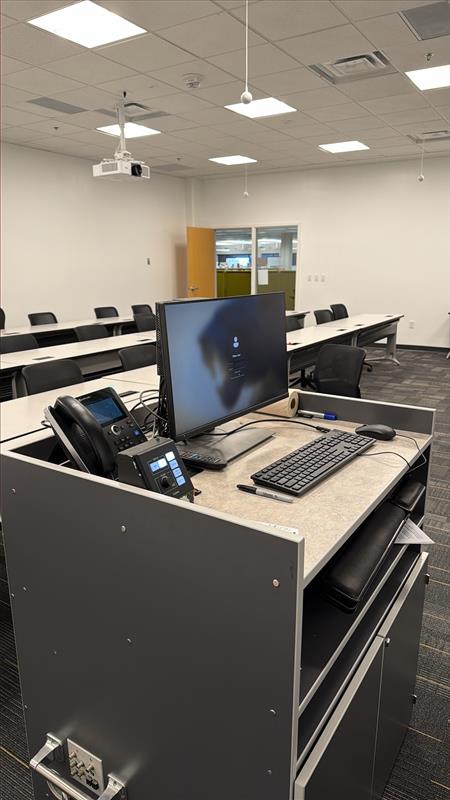
A user can use the provided Podium PC or HDMI plug in for a BYOD. To switch between the sources, use the control panel to switch between the two.
Screen Control
The screen can be raised and lowered using a button panel on the wall:

Using a Laptop
The HDMI cable on the lectern is for use with a laptop. Connect your device and the in a few seconds the projector will switch to your laptop device.
Using the Vaddio/Hyflex VTC System
Screen Control
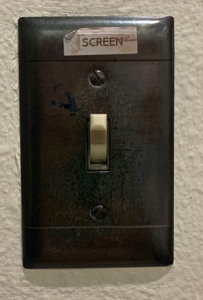
The screen in this room is manually operated. The switch for the projector control is located on the wall next to the room lights.
Troubleshooting
Audio Issues
Fixing Audio Issues: Uncontrolled Room
Video Issues
Fixing Video Issues: Uncontrolled Room
Vaddio/Hyflex VTC SystemPhotos
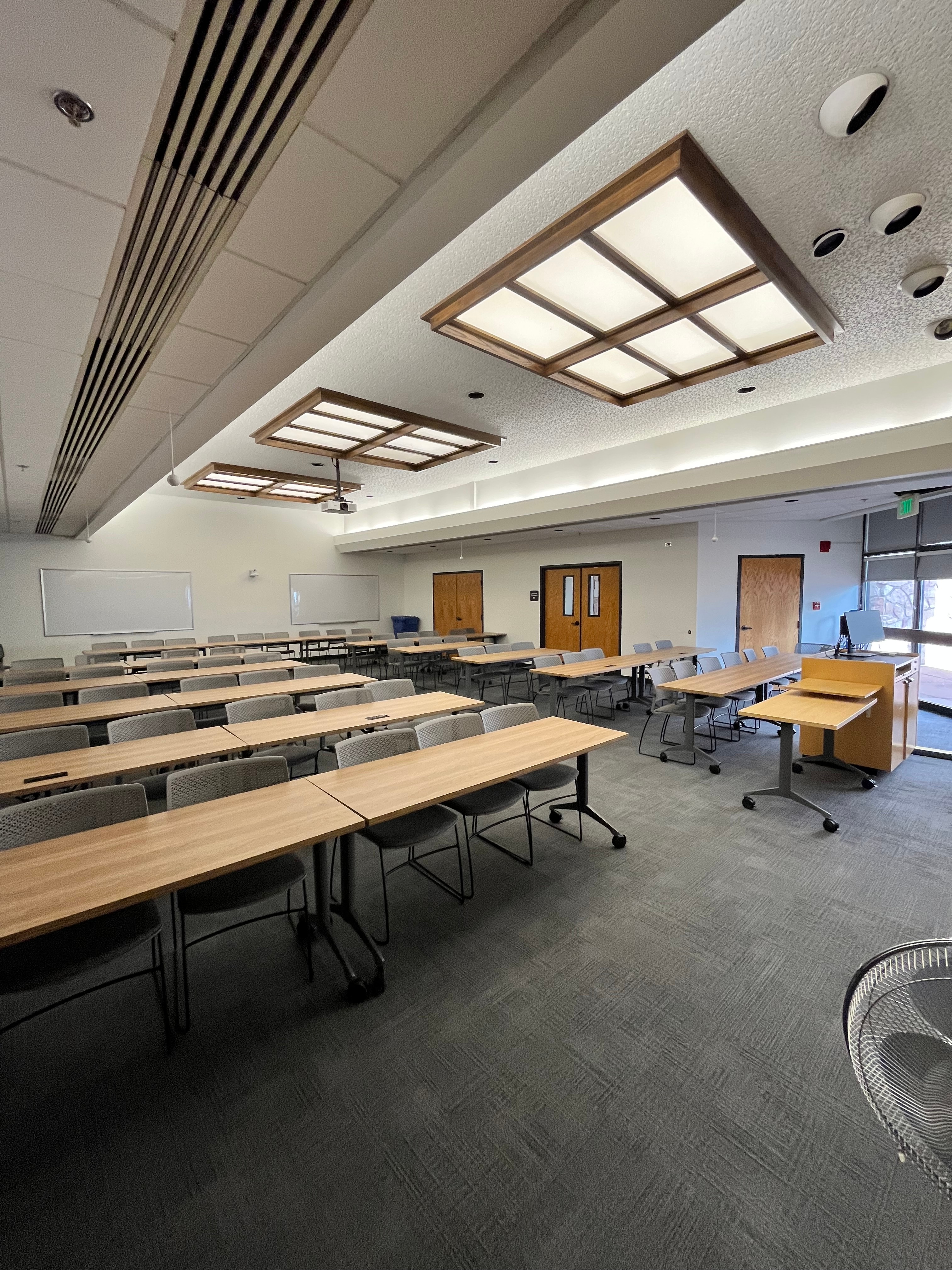
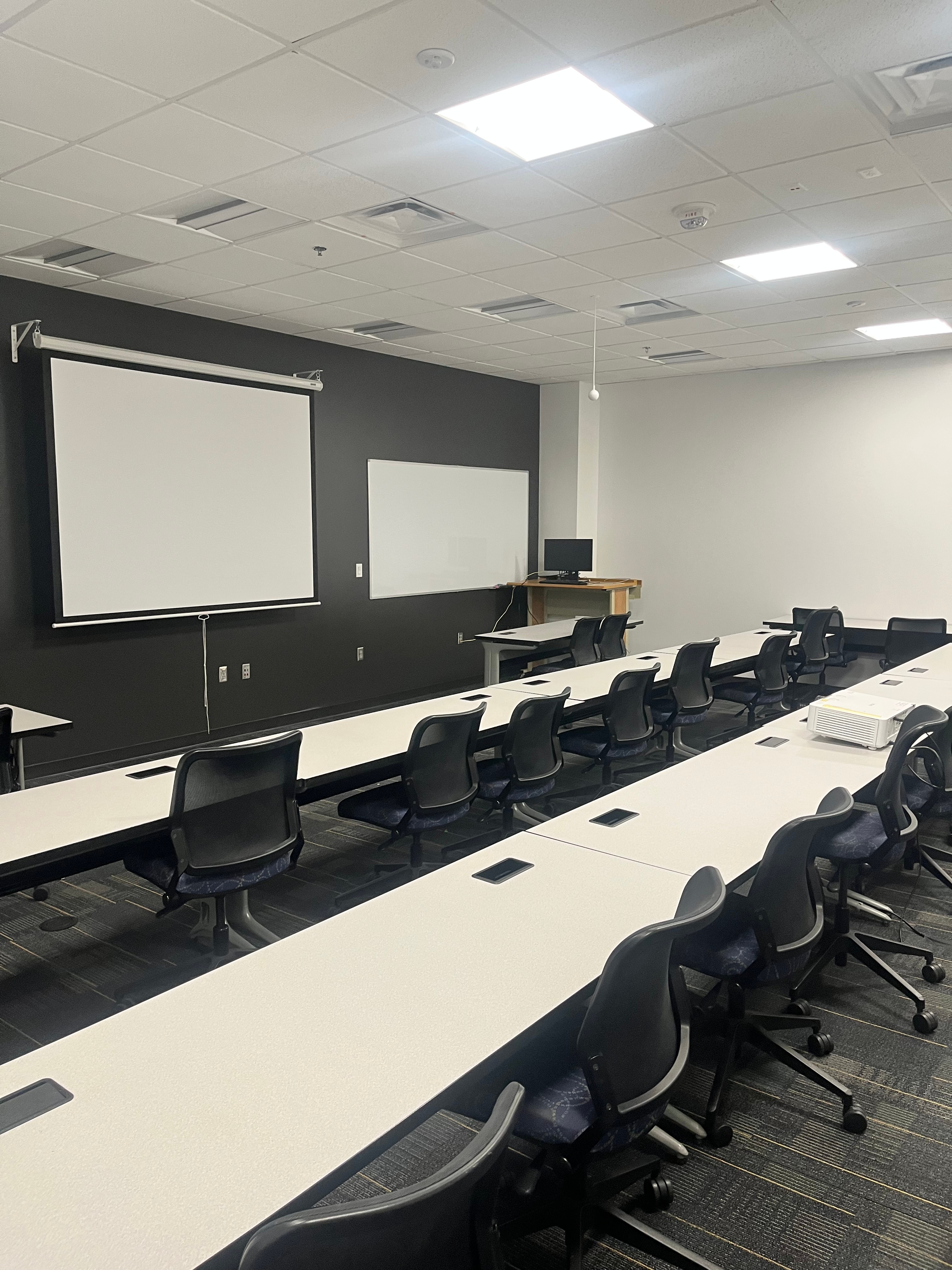
This is a projector-based, uncontrolled classroom

The room speakers are located on the ceiling on either side of the projector.
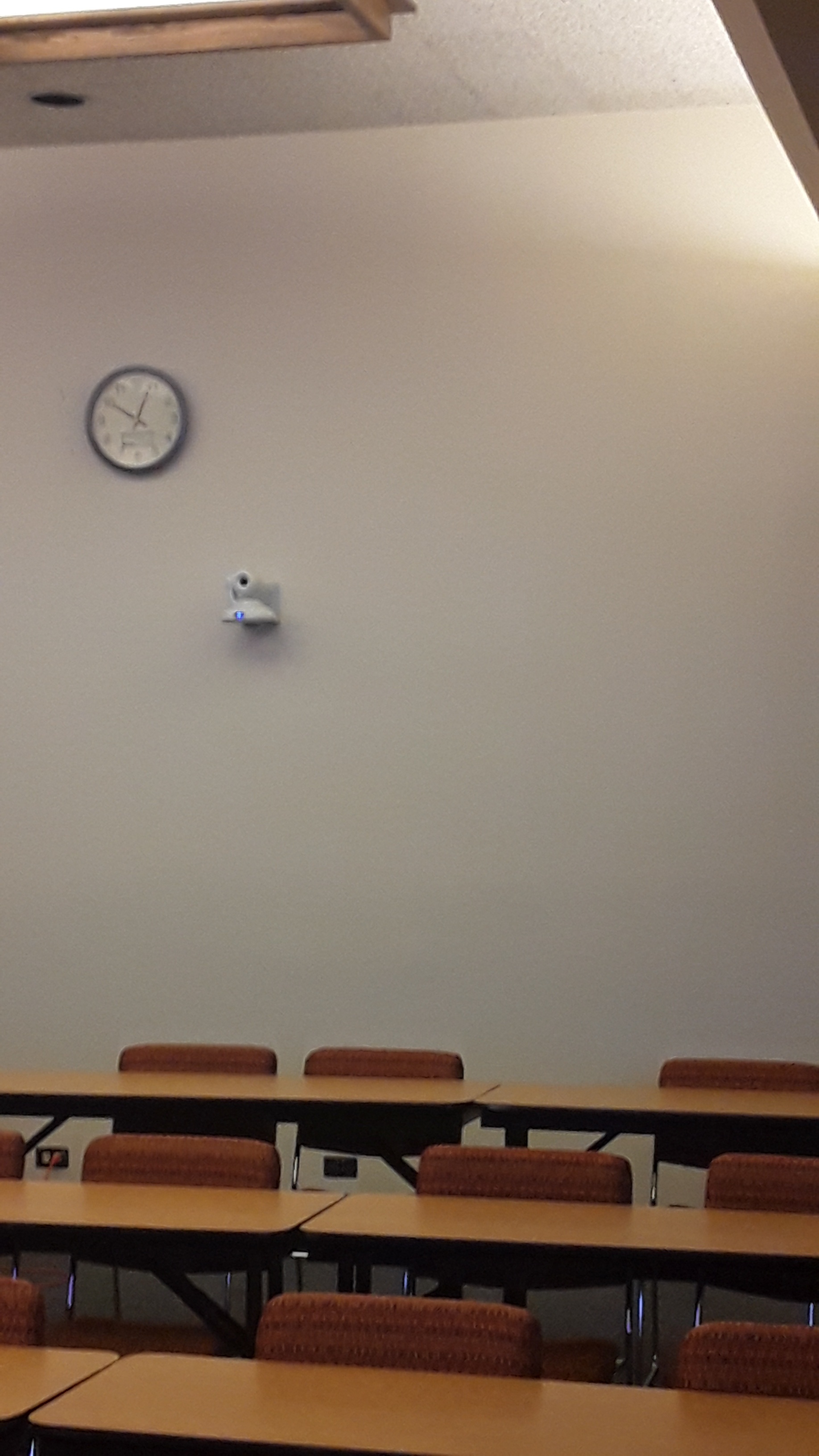
This is the Hyflex camera in the room. It is located on the back wall.
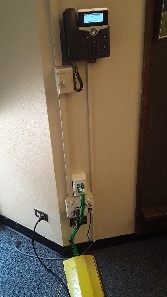
This is the Cisco phone located on the wall beside the podium desk with the volume knob below to the left.
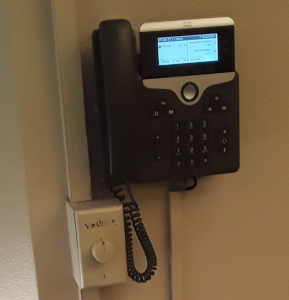
Picture of Volume control and the Cisco phone