The Dell two monitor PC setup on the tables are not owned nor supported by OIT.
Scope
This is a standard Crestron room with the following equipment:
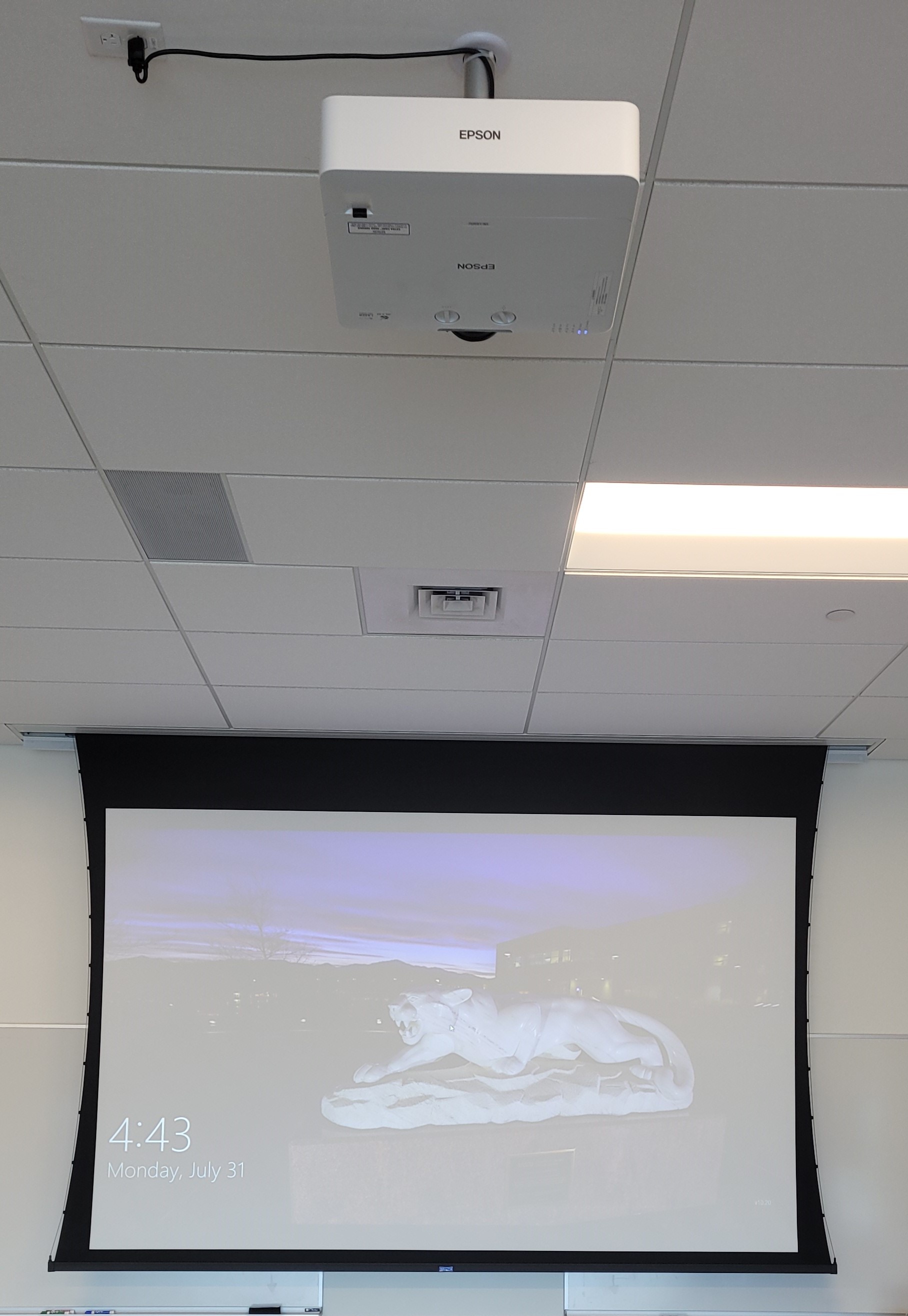
- Da-Lite Projector Screen
- Epson EB-L630U Projector
- Touch Panel
- AirMedia (Located in 202's AV rack)
- Podium PC on an Ergotron Mount
- Ceiling speaker sound system
Location
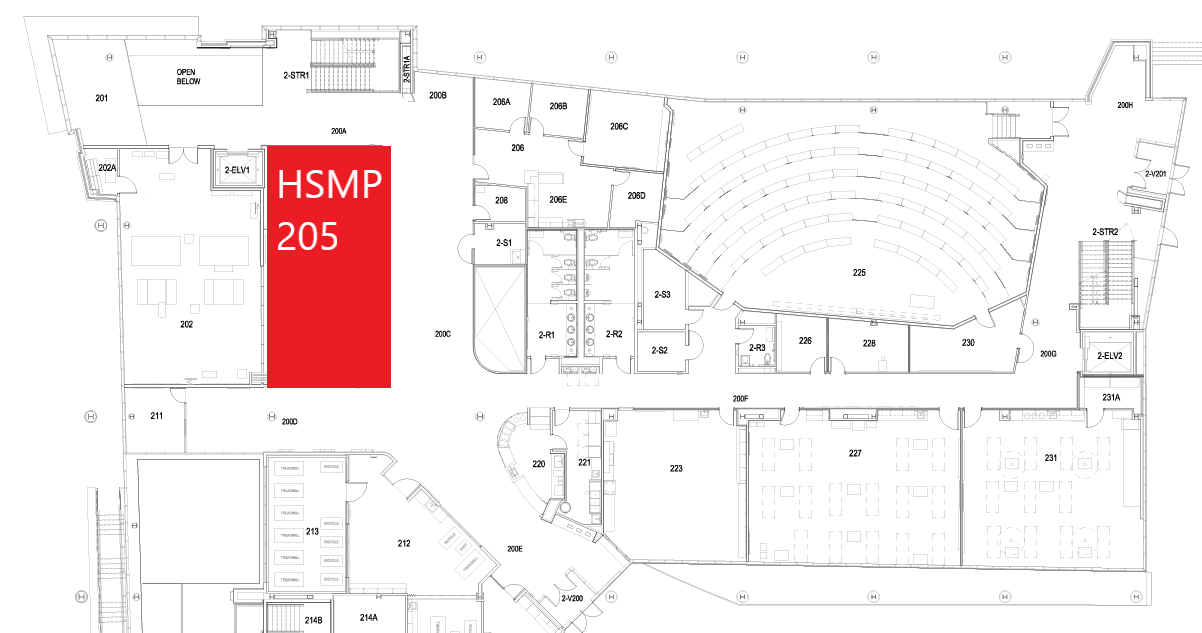
Using the System
Turning the system on and off
The AV system will power on when pressing the start page on the touch panel. This will turn on the projector, lower the screen, and switch the panel to the main menu page.
To turn the AV system off, press the red Power Off button in the upper right corner. You will have 10 seconds to cancel the power off, then the system will shut down.
Source Selection
To change sources, select the input you would like to send to the display. You may choose between Wall PC or AirMedia.
Volume Control
Volume can be controlled using the volume buttons at the bottom of any page on the touch panel. The raise and lower buttons are on either side of the volume bar and the mute button is located in the lower left corner.
Projector/Screen Controls
The projector and screen will automatically power on and off/raise and lower with the system.
On the left side of the touch panel are options for A/V Mute, Freeze, and screen controls.
- A/V Mute will shutter the projector and raise the screen. Use this feature when you want to use the whiteboard or front of the room without shutting down the system. Please only use this feature for up to 20 minutes, otherwise it's best to shut down the system.
- Freeze will freeze the currently displayed image on the screen. Use this feature if you'd like to hold a frame still on the screen or use the podium PC for another activity without displaying it, such as checking your email.
- Screen controls will allows you to raise or lower the screen while the system is on. This is useful if you'd like to use the whiteboard while the projector is on. Manual screen controls are also available; located on the wall behind the lectern.
Using the Podium PC
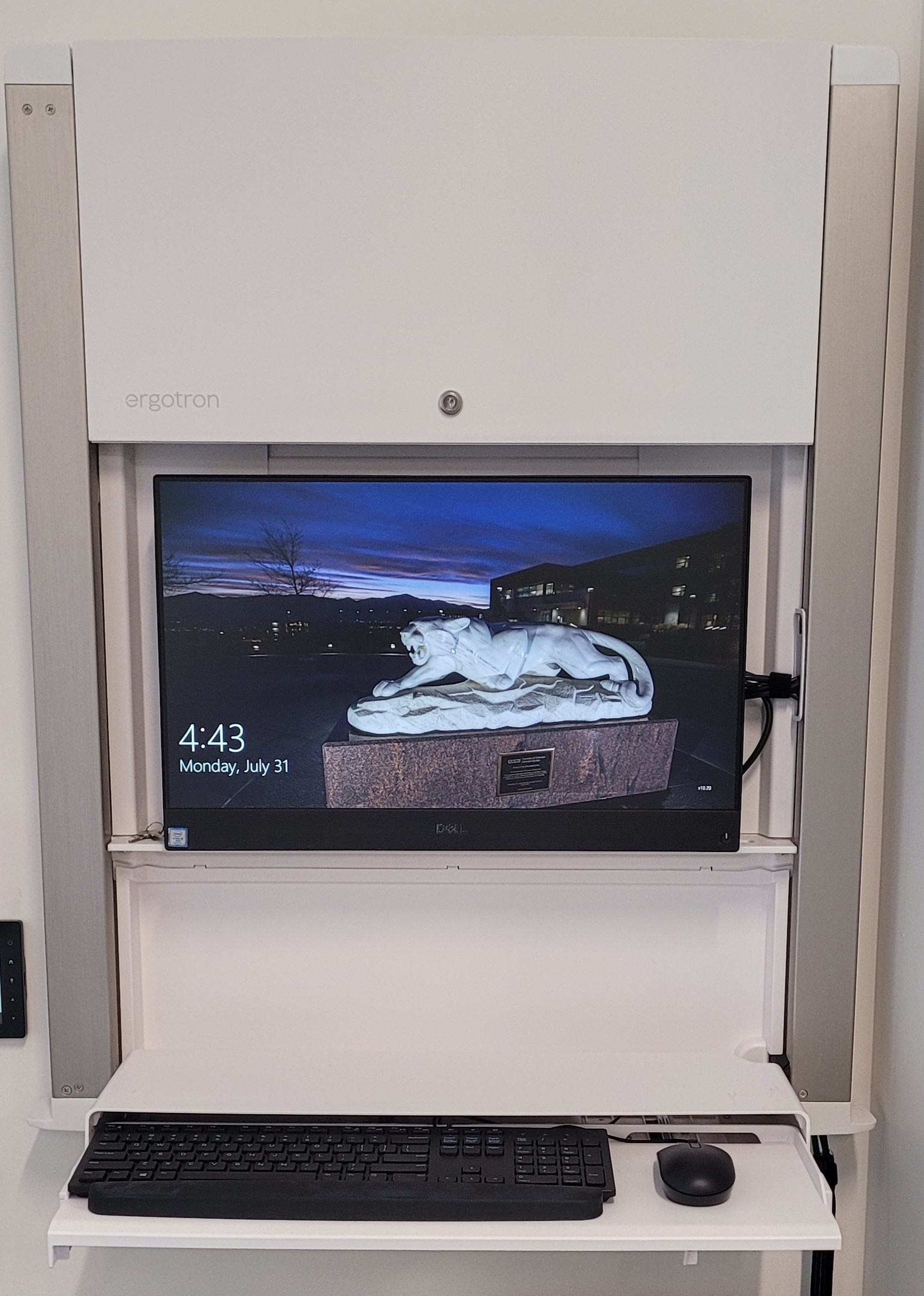
The computer mounted on the wall is the primary source for this AV system. This computer runs the same image as all other podium computers in general fund classrooms and labs. You can sign in with your UCCS credentials.
Troubleshooting & Checklist
Audio Issues
Fixing Audio Issues: Standard Crestron Room
Video Issues
Fixing Video Issues: Standard Crestron Room
Room Specific Issues
This room has no unique equipment or known issues
Photos
View of room from entry door |
View of projector screen and Epson L630U Projector |
View of room from front left corner |